POS operations guide
Property maintenance contractor work-order, recurring-service, material-cost and client-balance POS workflow
Maintenance work joins service agreements, planned visits, emergency call-outs, technicians, materials, client approvals and recurring invoices. Keep request, work order, schedule, attendance, completion evidence, material cost, client charge, invoice, credit and balance separate.
Evidence and review scope
Evidence reviewed 2026-09-05. Reviewed the current Posnic stable release boundary and archived customer, sale and item models.
Stable release: v1.9.0, source commit 567a176. This page does not establish a live maintenance deployment, accepted service agreement, scheduled or completed visit, technician assignment, time sheet, site access, safety record, asset reading, client sign-off, supplier order, statutory certificate or payment settlement. Evidence remains pinned to an archived source snapshot.
What the current evidence establishes
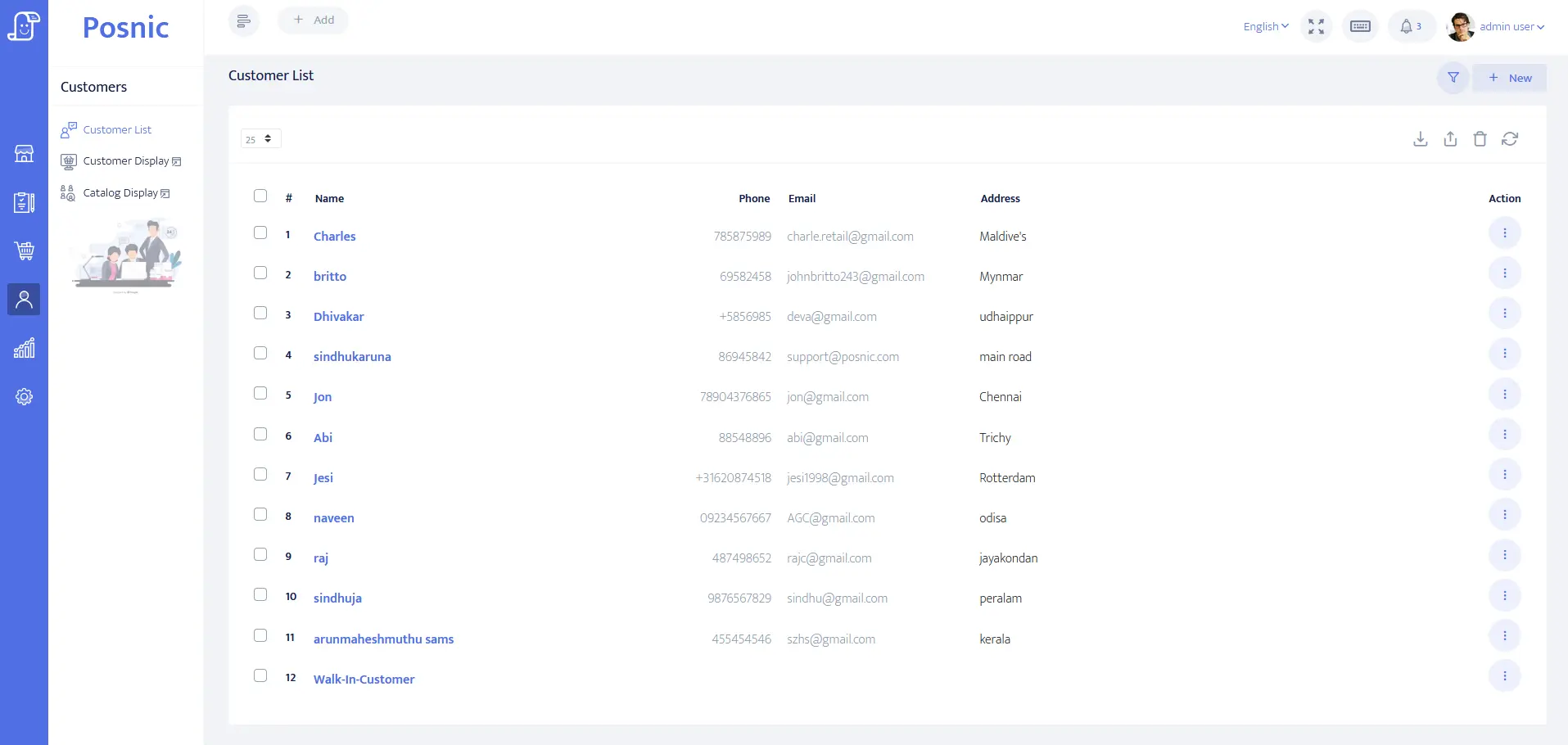
Client account evidence exists
Customer identity, balance and payment-term fields can be evaluated for an owner, tenant, agent or commercial payer. They do not prove authority or site access.
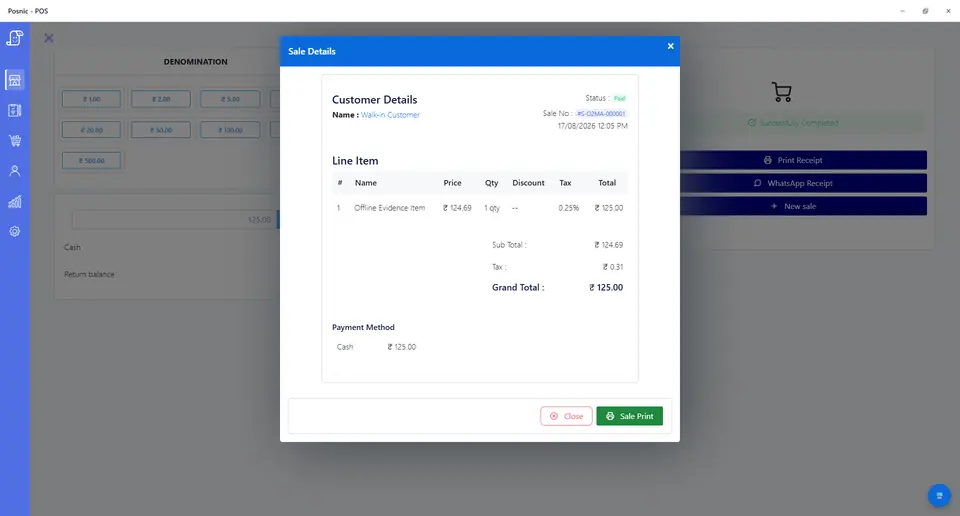
Quote and payment records exist
Quotation and sale lines can model call-outs, labour, materials, recurring charges, credits and refunds. They do not prove attendance, completion or settlement.
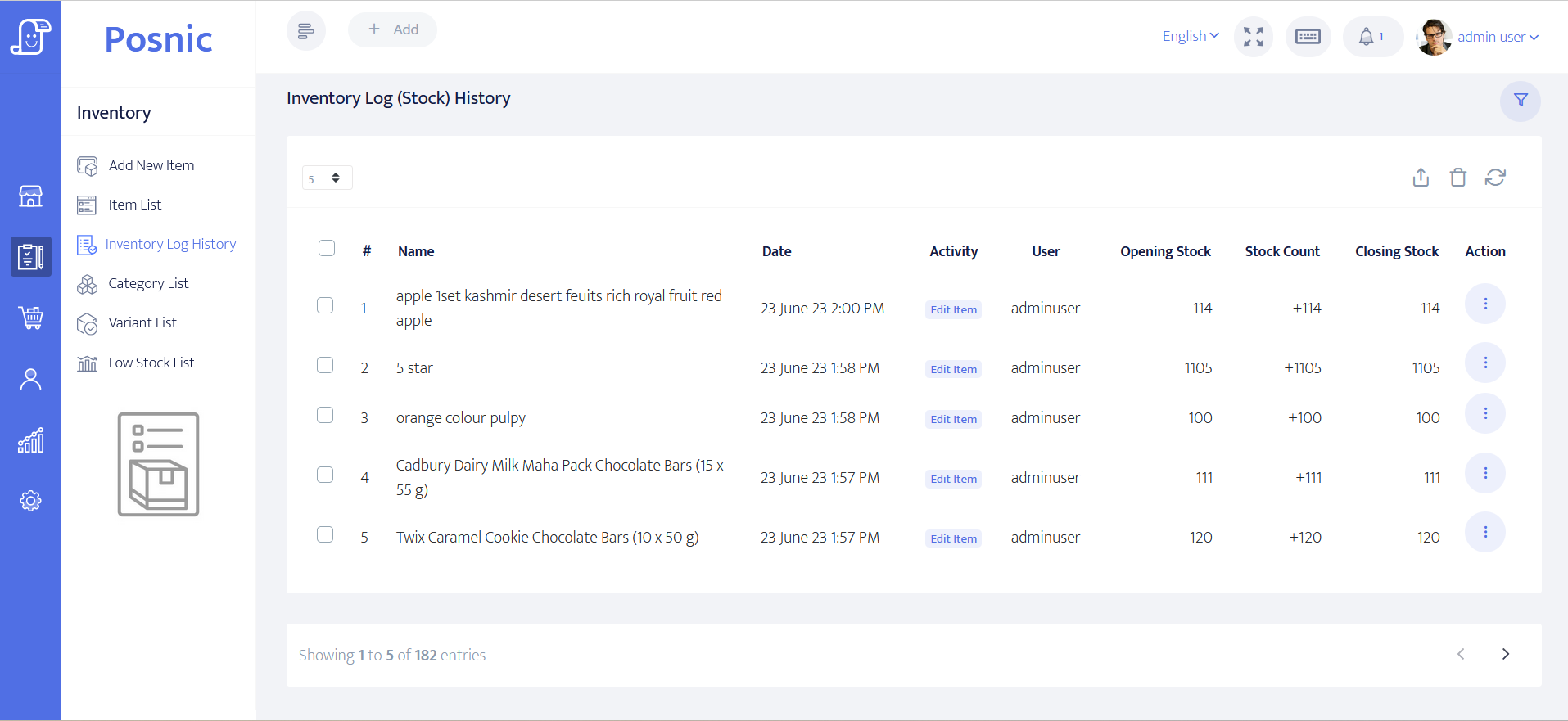
Item and stock evidence exists
Item and stock-history paths can be inspected for controlled parts and consumables. They do not establish van stock, site custody, installation or disposal.
Field-service controls remain operational
Scheduling, dispatch, technician time, keys, safety, service proof, asset history, certification, tax and local duties require qualified owner review.
Property maintenance contractor POS controls before rollout
A scheduled visit is not completed work, a work order is not an invoice, and client payment is not technician or compliance evidence.
| Area | Record to keep | Why it matters | Acceptance check |
|---|---|---|---|
| Client, property and payer | Contracting party, site, billing entity, contact permission, service level and balance. | Owner, tenant, agent and payer may differ. | Access codes and private notes stay off receipts. |
| Service agreement | Included services, frequency, allowance, exclusions, response target, price, tax and version. | A generic plan line hides obligations. | Accepted version remains identifiable. |
| Recurring visit | Service period, planned date, work-order reference, assigned owner and billing rule. | Planned, dispatched and completed are distinct. | No invoice is raised from schedule alone. |
| Call-out request | Requester, property, issue, priority, authority, estimate boundary and response owner. | Urgency does not remove spending controls. | Request stays distinct from accepted work. |
| Work order | Scope, asset or area, labour basis, materials, approval limit, status and related visit. | One order must connect operations and billing. | Status changes retain history. |
| Attendance and completion | Arrival, departure, work performed, reading, photo, exception and client sign-off references. | A sale line cannot prove field activity. | Operational evidence remains linked, not invented. |
| Labour charge | Call-out, included time, additional time, rate, minimum, overtime and approved client price. | Worked time and billable time can differ. | Rate and approval are auditable. |
| Material cost | Estimate, issue, supplier commitment, actual cost, freight, return and tax treatment. | Estimated cost and actual cost affect margin differently. | Cost changes retain history. |
| Client material charge | Pass-through, markup or fixed-price method, quantity and approved selling price. | Cost and client price are not interchangeable. | Pricing rule is explicit. |
| Invoice and balance | Service period, work-order references, included and extra work, credits, due date and payments. | Recurring charges need traceable support. | Invoice reconciles to accepted commercial records. |
| Cancellation and credit | Skipped visit, failed access, recall, disputed work, credit, refund and owner. | Exceptions alter service and financial obligations. | Original transaction remains visible. |
| Owner review | Scheduled, open and completed work; sales, receivables, material cost, credits and margin. | Cash and field obligations diverge. | Money and open commitments close together. |
Practical workflow
Define the commercial promise
Version each agreement by property, included service, visit frequency, response boundary, allowance and price.
Connect visits to work orders
Keep planned, assigned, attended, completed, reviewed and billed states separate.
Protect service margin
Track labour basis, issued materials, supplier cost, returns, client price and credits without overwriting history.
Close exceptions with finance
Review failed access, recalls, disputed work, missed visits and unpaid invoices beside open operational duties.
Maintenance request-to-payment flow
Confirm the client and site
Identify authority, property, payer, agreement and access boundary.
Create the work order
Link planned or call-out scope, labour basis, materials and approval limit.
Record field evidence
Keep attendance, work performed, readings, photos and sign-off outside the sale record.
Build the charge
Reconcile included service, additional labour, materials, tax, credits and approval.
Invoice and reconcile
Close payment, client balance, cost, exceptions and remaining work together.
Hardware, software and data setup
Hardware
- Office computer or tablet and estimate or receipt printer.
- Field device only after connectivity, privacy and offline fallback review.
- Barcode scanner only for controlled parts and consumables.
- Payment terminal without storing card data in POS.
- Off-device backup for client, work-order, cost and payment records.
Software and data
- Client accounts with minimum necessary billing and property data.
- Agreement, call-out, labour, material, recurring-charge, credit and refund items.
- Separate requested, planned, assigned, attended, completed, reviewed, invoiced and paid states.
- Reports for client balances, open work, material costs, credits and margin.
- Export and restore workflow before real property data is imported.
Setup sequence
- Write agreement, recurring-service, call-out, approval, invoicing, cancellation and credit rules.
- Create synthetic clients, properties, payers, services, technicians, materials and payment labels.
- Version one recurring agreement and generate a planned work-order reference.
- Record a call-out without treating the request as approved or completed work.
- Test included labour, additional time, material issue, actual cost and client charge.
- Test failed access, missed visit, recall, disputed work, failed payment and credit.
- Keep attendance and completion evidence separate from POS sale and payment status.
- Reconcile recurring invoices, client receipts, material costs, credits, open work and margin.
- Back up and restore records, then obtain operations, finance, safety, payment, privacy and local approval.
Product evidence to inspect
Mistakes to avoid
- Treating a scheduled visit or work order as proof of attendance or completion.
- Combining included service, extra labour, material cost and client price into one value.
- Overwriting agreement versions, visit states, approvals or work-order history.
- Billing every planned visit without exception and completion review.
- Using POS records as technician tracking, safety evidence or statutory certification.
- Putting keys, alarm codes, tenant details or private site notes on receipts.
- Importing real property data before backup and restore pass.
Use the blank property maintenance contractor POS acceptance record
The CSV keeps 24 controls blank until the exact workflow is tested, including agreements, recurring visits, call-outs, work orders, labour, materials, invoices, balances, credits and restore.
Primary sources used
Current stable release
Pinned source tree
Customer model
Sale model
Item model
PCI SSC merchant process
Questions
Is POS field service management software?
No. Dispatch, routes, technician location, time sheets, service evidence, asset history and safety need separate controls.
How should recurring maintenance be billed?
Keep agreement, schedule, completion evidence, included allowance, extra work, invoice period and payment status distinct.
How should labour and material charges be tracked?
Keep worked time, billable time, actual material cost, client price, approval and tax treatment auditable.
Can a receipt prove service completion?
No. Attendance, work performed, readings, photos, sign-off, safety and certification remain separate.
Where does Posnic fit?
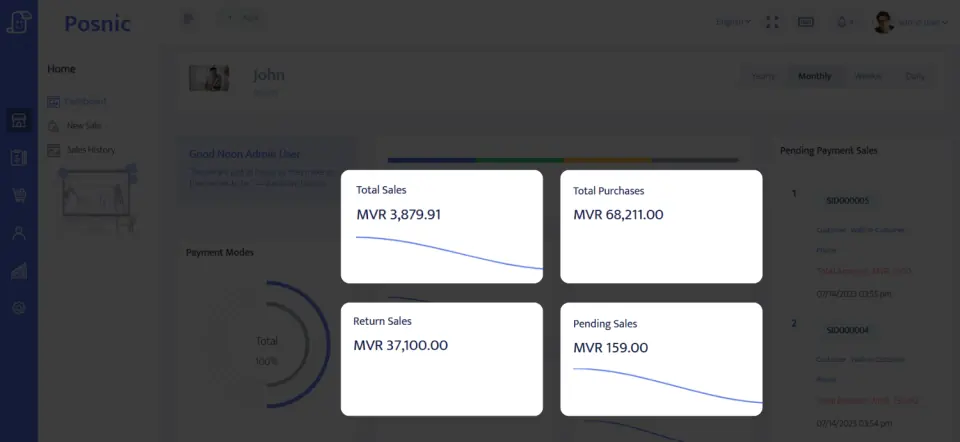
Archived evidence can be evaluated for accounts, quotations, sales, payments, items and reports. It does not prove scheduling, dispatch or a live rollout.
Where Posnic fits
Posnic Community Edition can be evaluated for maintenance-office quotations, client accounts, service and material items, payment labels, controlled stock, credits and reports. Keep agreements, scheduling, dispatch, technician time, site access, safety, completion evidence, asset history and certification outside scope until the workflow passes the blank record. Posnic Cloud helps only when the contractor needs remote dashboard access, managed backup, multi-office visibility or scoped custom work.