Check before buying
Will your POS hardware work?
Start with the evidence level, then test one exact printer, scanner, drawer or scale before buying more. No named retail device is physically certified in the current public matrix.
Current stable release: v1.9.0. Compatibility does not establish local stock, price, installation, warranty or onsite support.
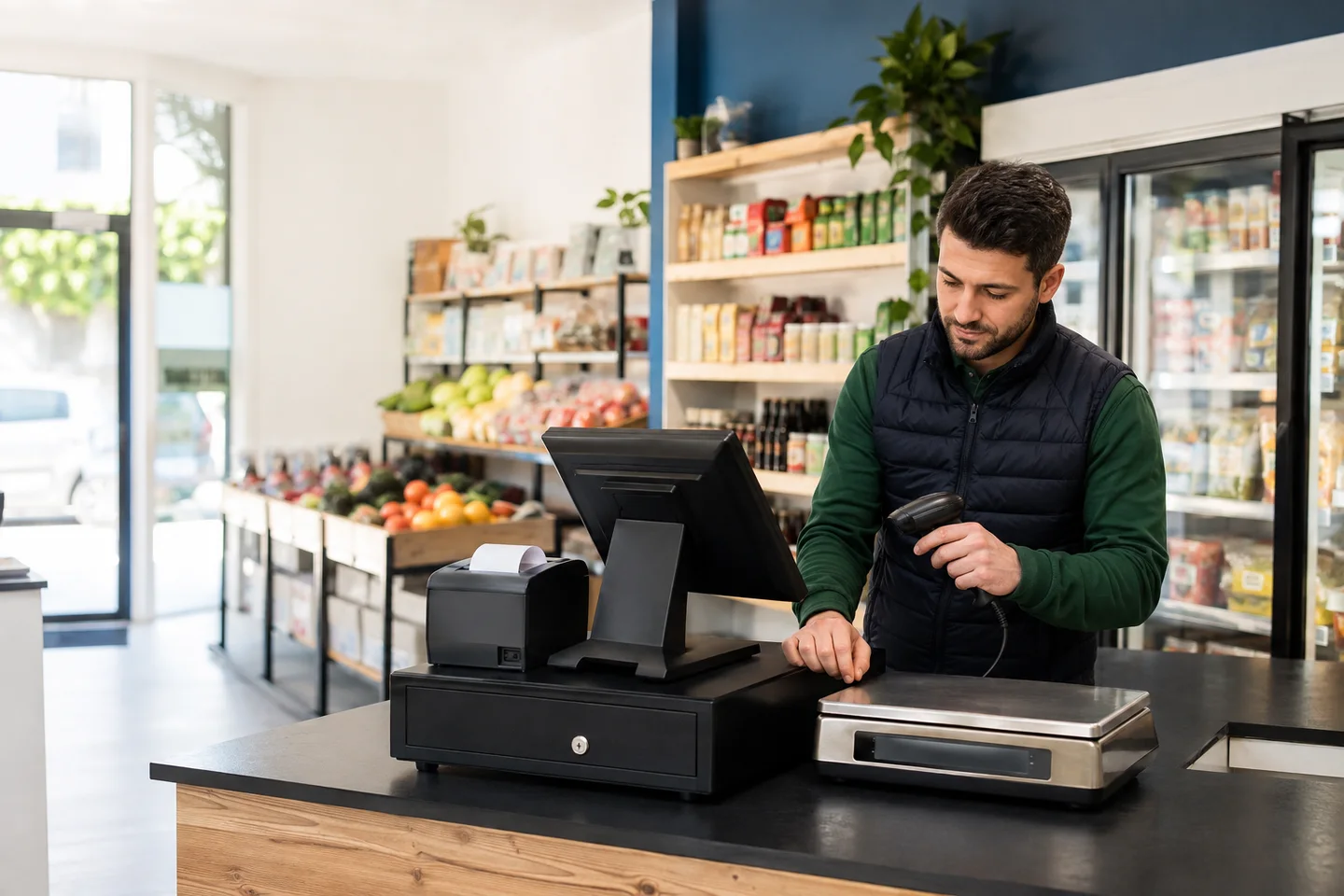
Reviewed 18 Aug 2026 against an archived evidence snapshot. A printer or terminal is one component, not the whole system. See how software, devices, payments and records fit together.
Read the verification level before the device name
A protocol test and a real device test answer different questions. Posnic uses these labels so buyers can see the evidence boundary before spending money.
Tested
A real device was exercised and the same path has automated coverage. No named printer, scanner, drawer or scale in the current public matrix carries this level yet.
Code-tested
Automated tests exercise the receipt renderer or scale protocol. This does not test a cable, operating-system driver, firmware or physical device.
By standard
The device follows a standard Posnic implements, such as keyboard-wedge input. The listed device type has not been physically tried by Posnic.
archived evidence run code evidence: 35 tests passed
On 18 Aug 2026 we reproduced an archived evidence snapshot and ran its four hardware-related test files on Windows with Node.js 24.19.0. All 35 tests passed; none used a physical device.
| Evidence set | Result | What the tests verify | What remains unverified |
|---|---|---|---|
| Receipt columns | 13 passed | 58 mm and 80 mm widths, quantity and amount alignment, decimal alignment, wrapping. | Printer driver, USB connection, cutter and physical output. |
| ESC/POS receipt bytes | 8 passed | Paper width, totals, long names, character fallback, drawer command, cutter command and optional rows. | A named printer model receiving and executing those bytes. |
| Report slips | 8 passed | Report width, amount alignment, cash/UPI labels, handover space and unknown-section handling. | A physical report print on a named model. |
| Scale parser | 6 passed | Real frame formats, stability, partial streams, cleared platter and impossible-reading rejection. | A scale, cable, COM driver and baud-rate combination on a till. |
Reproduce it without installing dependencies:
node --test tests/escpos-columns.test.js tests/escpos-receipt.test.js tests/escpos-report.test.js tests/scale-parser.test.js
Computer requirements
| Component | Minimum | Recommended |
|---|---|---|
| Operating system | Windows 10 64-bit, version 1809 | Windows 11 64-bit |
| Processor | Dual core, 2 GHz | Quad core |
| Memory | 4 GB | 8 GB |
| Free disk | 5 GB | 20 GB on an SSD |
| Display | 1366 x 768 | 1920 x 1080 or touchscreen |
32-bit Windows and Windows 8.1 or earlier are not supported. macOS and Linux builds are published, but the source matrix says those platforms receive less testing than Windows and no retail hardware has been physically tried on them.
Receipt printer compatibility
| Printer path | Level | Current boundary | Check before rollout |
|---|---|---|---|
| USB thermal, 80 mm | Code-tested | ESC/POS receipt rendering is covered. | Vendor driver, cutter, characters and exact receipt on paper. |
| USB thermal, 58 mm | Code-tested | 58 mm layout and wrapping are covered. | Set the correct paper width and print a long mixed-item bill. |
| LAN or Wi-Fi thermal | By standard | Expected through a normal printer or ESC/POS path. | Fixed printer IP, driver, disconnect recovery and queue behavior. |
| Bluetooth thermal | By standard | Expected after operating-system pairing. | Pairing persistence, reconnect time and rush-hour reliability. |
| A4 or Letter printer | Code-tested | Invoice and report rendering path is covered. | Driver, margins, paper size and page-break output. |
Receipt printer and cash drawer setup guide · Thermal printer billing software
Barcode scanner and cash drawer compatibility
| Device path | Level | Current boundary | Check before rollout |
|---|---|---|---|
| USB keyboard-wedge scanner | By standard | Acts as a keyboard and needs no Posnic-specific driver. | Barcode symbology, Enter or Tab suffix, focus and scan speed. |
| Bluetooth keyboard-wedge scanner | By standard | Expected after pairing as a keyboard. | Reconnect behavior, battery and suffix settings. |
| 2D or QR imager in HID mode | By standard | Expected when configured to type scanned values. | Actual retail barcodes and QR formats used by the shop. |
| Drawer through printer RJ11/RJ12 | By standard | The archived evidence run receipt code covers the drawer-open command. | Cable pinout, printer support and open-on-print behavior. |
| USB cash drawer | By standard | Depends on its operating-system driver. | Driver support and test button behavior on the till. |
Weighing scale and customer display compatibility
| Device path | Level | Current boundary | Check before rollout |
|---|---|---|---|
| Essae DS-series continuous output | Code-tested | DS-0 through DS-7 frame parsing is covered. | Exact model, serial-over-USB cable, driver, baud rate and stable reading. |
| T-Scale continuous output | Code-tested | Continuous output frames are covered. | Exact model, units, stability flag and decimal placement. |
| Generic continuous ASCII scale | Code-tested | Streaming weight and stability parsing is covered. | Sample frames from the device and an impossible-reading test. |
| Second monitor customer display | By standard | Uses a screen the operating system already recognizes. | Resolution, display assignment and reconnect behavior. |
| Touchscreen kiosk or catalogue | By standard | Uses the customer-facing browser/app workflow. | Touch targets, screen size, shop LAN and permissions. |
| Serial VFD pole display | Not supported | No Posnic driver is published. | Use a second monitor instead. |
Weighing scale setup guide · Weighing workflow for produce shops
Known unsupported hardware paths
These are published exclusions, not edge cases hidden behind a sales conversation.
| Not supported | Use instead or verify |
|---|---|
| Barcode scanners in serial or COM-port mode | Switch the scanner to keyboard-wedge or HID mode. |
| Serial VFD pole displays | Use a second monitor customer display. |
| Integrated PIN-pad or card-terminal control | Use a separate terminal and record the payment in Posnic. |
| RFID and NFC readers | No reader integration is currently documented. |
| Scales that only send in print-on-demand mode | Use a continuous-output mode or keep a manual-weight fallback. |
| Label printers | Item-label printing is not currently implemented. |
Accept one exact device before buying ten
Specifications and protocol tests narrow the risk. Approval comes from retaining one exact configuration and observing the complete workflow under the conditions the shop will actually use.
| Acceptance stage | Evidence to retain | Do not accept from |
|---|---|---|
| Identity | Make, model, hardware revision, connection, driver, firmware, operating system and Posnic release. | A device-type label or supplier photo. |
| Manufacturer baseline | Vendor test result, protocol or mode, power and cable path, warranty and return terms. | A Posnic screen before the device works in its own test path. |
| Business workflow | Representative receipt, symbols, weights, drawer action, display output and transaction identifiers. | One easy sample that avoids the shop's real products and exceptions. |
| Recovery | Disconnect, reconnect, restart, queue, power or network failure, fallback and reconciliation result. | A successful first connection with no failure test. |
| External responsibility | Supplier, payment provider, local weighing or tax reviewer, support owner and escalation route where applicable. | A software compatibility statement that silently absorbs another party's duty. |
| Decision | Open findings, correction, retest, business approval and whether more units may be ordered. | A downloaded checklist or unreviewed blank field. |
- Freeze the exact device, till, release, driver, firmware, cable and configuration under review.
- Run the manufacturer or operating-system test before opening Posnic.
- Use Posnic Device Setup to print, scan, open, display or read the intended path.
- Run representative business cases, including long output, real symbols, weights, exceptions and reprints.
- Disconnect, reconnect and restart; then test the approved failure and fallback procedure.
- Retain evidence and assign every hardware, software, payment, supplier or local-review finding.
- Rerun failed cases and approve the exact configuration before ordering more units.
The acceptance record starts blank. Its observed result, evidence, ownership, specialist review, decision and follow-up fields are not pre-approved by Posnic.
Standards and controls used for the acceptance method
These sources explain protocol, input, retail-scanning and payment-device controls. They do not certify Posnic or guarantee a device model.
Pinned Posnic hardware matrix
Read the exact release boundary for computer requirements, support levels, protocol paths and explicit exclusions.
Epson ESC/POS command reference
Read the official command reference for command syntax and model coverage. A protocol reference does not prove another printer implements every command.
USB-IF HID specifications
Read the official HID source for the keyboard-class standard behind wedge input. The exact scanner mode, suffix, symbols and focus still need observation.
GS1 retail POS guidance
Read the current GS1 guideline for scanner and host capability, sample symbols, environment, multi-barcode behavior, testing and feedback loops.
PCI SSC device controls
Read PCI SSC FAQ 1281 for applicable payment-terminal inventory, tamper inspection and staff awareness. Posnic does not drive an integrated terminal in the pinned matrix.
Frequently asked questions
Which receipt printers are compatible with Posnic?
The 58 mm and 80 mm ESC/POS receipt paths are code-tested. USB printers are the common setup; LAN, Wi-Fi and Bluetooth compatibility is standards-based. Posnic does not currently publish a physically certified printer model, so test the exact printer before rollout.
Will my barcode scanner work with Posnic?
USB, Bluetooth and 2D scanners in keyboard-wedge or HID mode are compatible by standard because they type into the active field. Serial or COM-port scanner mode is not supported. This is not a model-specific physical-test claim.
Does Posnic support weighing scales?
The code parser covers Essae DS-series frames, T-Scale continuous output and generic continuous ASCII over serial. Those protocols are code-tested; the exact scale, cable, driver, unit and stability behavior still need a physical test. Print-on-demand scale mode is not supported.
Which POS devices has Posnic physically certified?
The archived evidence snapshot does not list a named retail device at the Tested level. It distinguishes code-tested and standards-based support instead of presenting those as physical certification.
How should a shop approve POS hardware?
Record the exact make, model, revision, connection, driver, firmware, operating system and Posnic release. Test the manufacturer path first, then representative sales, output, reconnect, restart, queue, failure and fallback cases before approving more units.
Does this page mean Posnic sells or installs hardware near me?
No. This global evidence page does not establish local stock, pricing, installation, warranty or onsite support in any city or country. Confirm those terms with the selected supplier and keep them separate from software compatibility.