POS operations guide
Home renovation contractor estimate, progress-payment, material-cost and client-balance POS workflow
A renovation joins changing scope, site conditions, material commitments, subcontractors, approvals and staged money. Keep enquiry, estimate version, contract, deposit, progress claim, material cost, variation, retention, completion, refund and client balance separate.
Evidence and review scope
Evidence reviewed 2026-09-05. Reviewed the current Posnic stable release boundary and archived customer, sale and item models.
Stable release: v1.9.0, source commit 567a176. This page does not establish a live contractor deployment, accepted contract, drawing, permit, site measurement, safety record, supplier order, subcontractor work, stage certificate, delivery proof, payment settlement or completed renovation. Evidence remains pinned to an archived source snapshot.
What the current evidence establishes
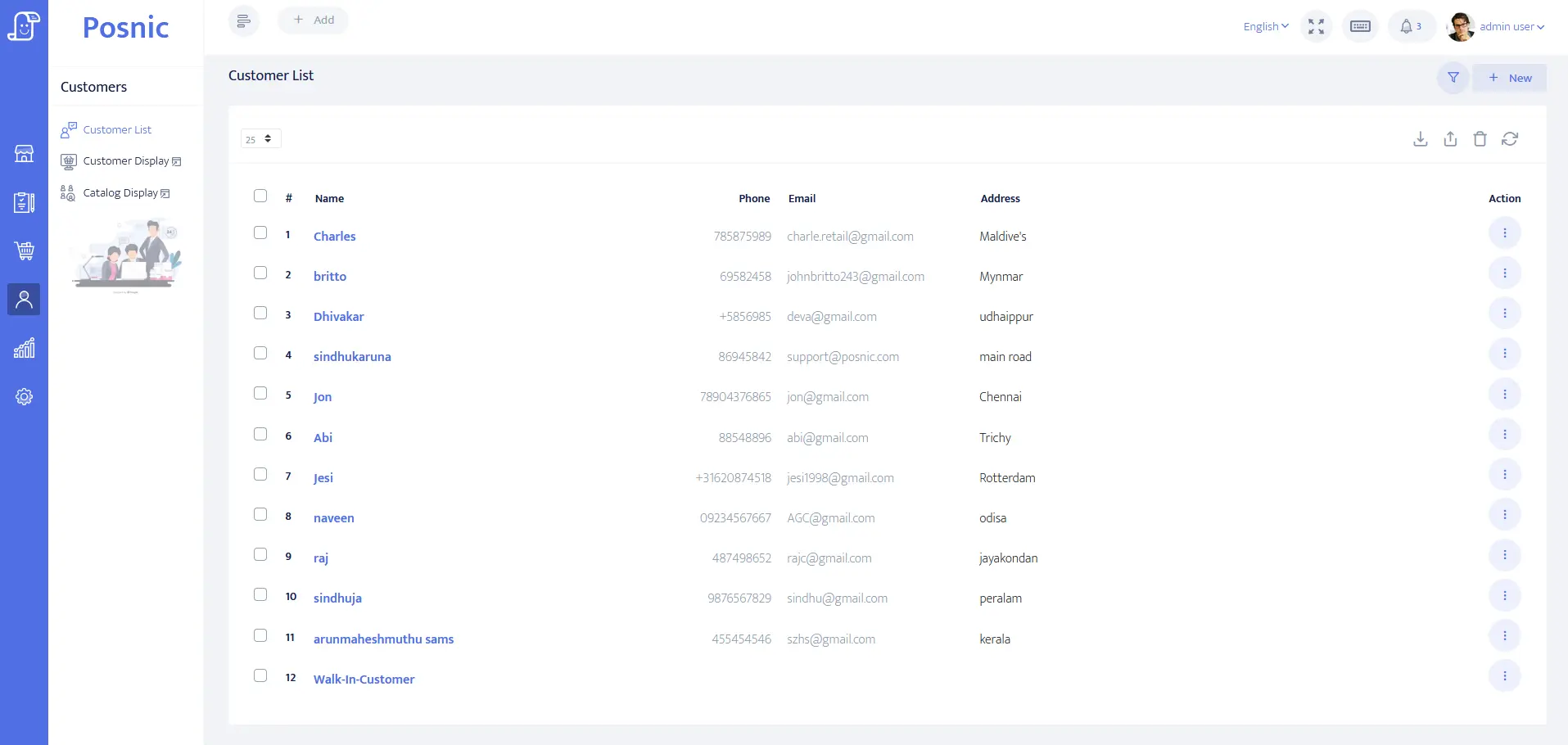
Client account evidence exists
Customer identity, balance and payment-term fields can be evaluated for the contracting owner or payer. They do not prove authority, site access or approval.
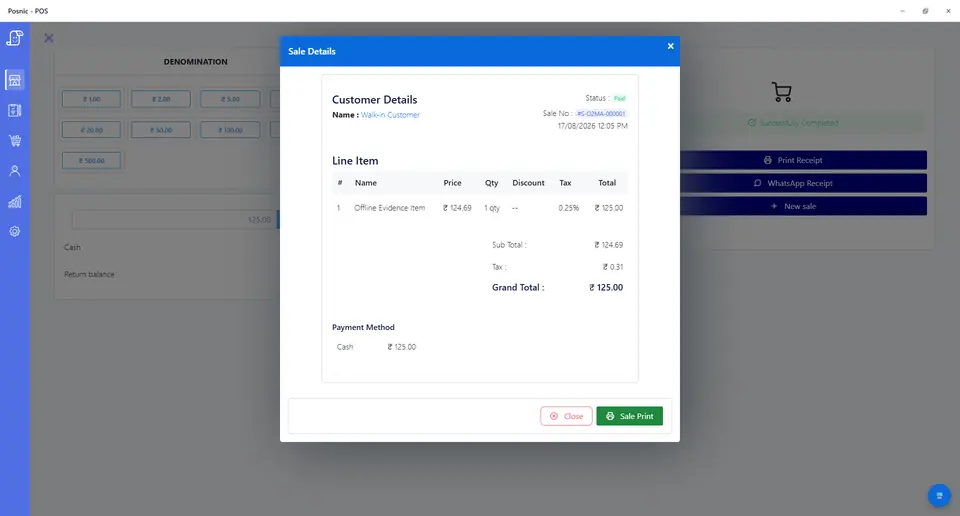
Quote and payment records exist
Quotation and sale lines can model labour, materials, deposits, stages, credits and refunds. They do not prove certification, settlement or work completion.
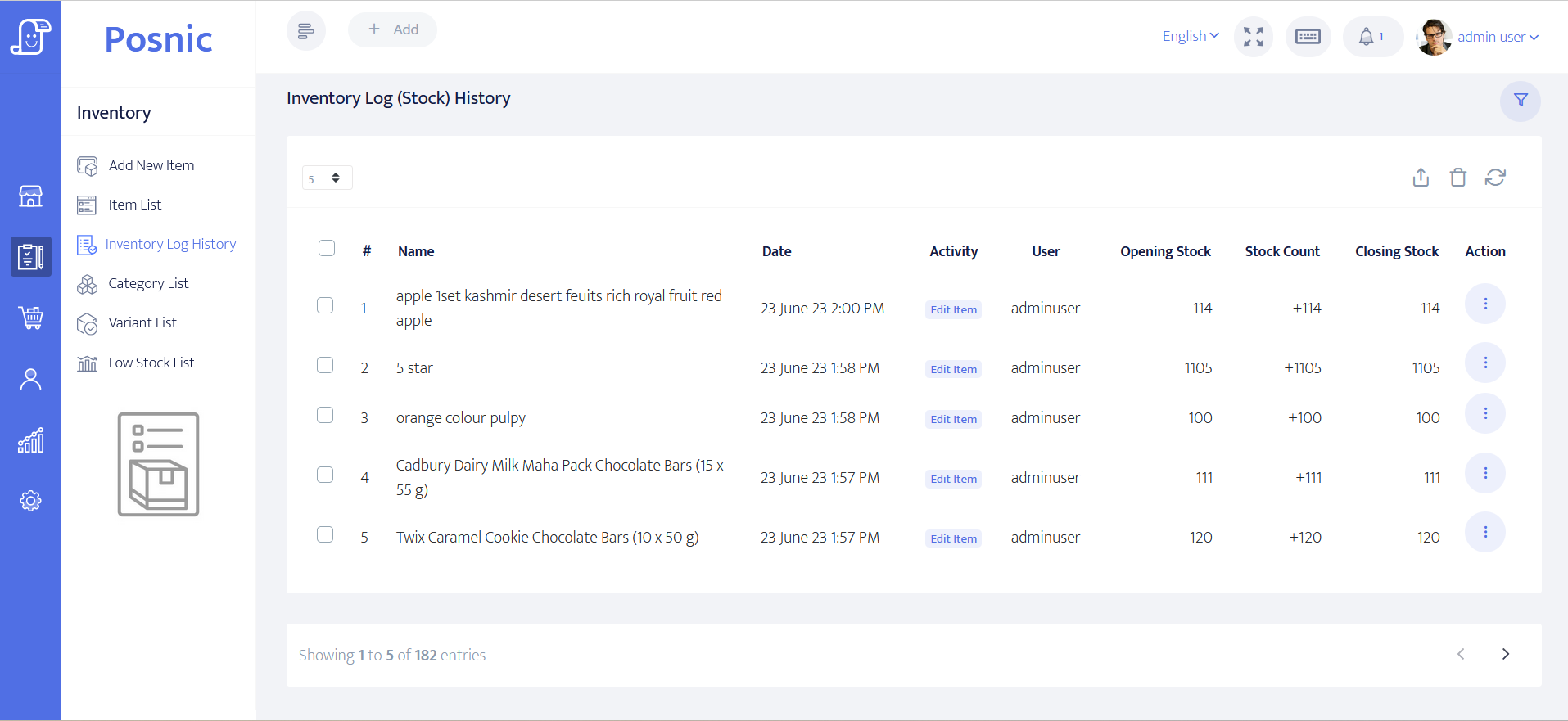
Item and stock evidence exists
Item and stock-history paths can be inspected for controlled materials and supplies. They do not establish site custody, installed quantity or waste.
Construction controls remain operational
Contracts, drawings, permits, inspections, safety, insurance, subcontractors, tax and local duties require qualified owner review.
Home renovation contractor POS controls before rollout
An estimate is not a contract, a deposit is not earned revenue, and a progress invoice is not proof that a stage passed inspection.
| Area | Record to keep | Why it matters | Acceptance check |
|---|---|---|---|
| Client and site | Contracting party, payer, project address, billing fields, contact permission and balance. | The right party must approve scope and spending. | Access codes and private notes stay off receipts. |
| Estimate | Trade, room, quantity basis, labour, material allowance, exclusions, price, tax and version. | One generic renovation line hides obligations. | Accepted version remains identifiable. |
| Deposit | Amount, purpose, due date, tender, cancellation treatment and original receipt. | Collection does not prove mobilisation or completion. | Deposit and contract balance reconcile. |
| Progress stage | Stage definition, scheduled value, measured completion, claim, approval, due date and payment. | Claimed, approved and paid are different states. | Invoice does not impersonate a certificate. |
| Material cost | Allowance, supplier estimate, commitment, actual cost, freight, waste and tax treatment. | Estimated and actual cost affect margin differently. | Cost changes retain history. |
| Client charge | Material pass-through, labour, overhead or margin method and approved selling price. | Cost and client price are not interchangeable. | Pricing rule is auditable. |
| Supplier and subcontractor | Order or scope reference, deposit, balance, credit, failure and proof reference. | Client collection is not supplier settlement. | Money paths reconcile separately. |
| Variation | Old scope, new scope, cost, client price, schedule effect, reason and approver. | Site changes alter margin and obligations. | History is retained, not overwritten. |
| Delivery and usage | Ordered, received, damaged, returned, issued, installed and waste references. | Payment does not prove location or condition. | Quantity exceptions remain visible. |
| Retention | Held amount, release condition, due date, defect reference, release and remaining balance. | Retention is not an ordinary discount. | Hold and release remain traceable. |
| Cancellation and refund | Notice, completed value, committed cost, retained amount, credit, refund and owner. | Every value movement needs its basis. | Original transaction remains visible. |
| Owner review | Sales, deposits, receivables, committed costs, open work, retention, refunds and margin. | Cash, cost and site obligations diverge. | Money and open commitments close together. |
Practical workflow
Version the commercial scope
Retain every estimate and approved variation instead of replacing the original room, trade, quantity and price record.
Separate payment states
Track deposits, claimed stages, approved stages, collected amounts, failures and retention independently.
Protect job margin
Keep allowance, supplier commitment, actual material cost, subcontract cost, waste and client charge auditable.
Close obligations with finance
Review tenders beside open work, deliveries, defects, returns, retention, credits and supplier liabilities.
Renovation enquiry-to-close flow
Build the estimate
Capture client, site, trades, rooms, quantities, allowances and exclusions.
Accept and collect
Confirm contract value, deposit, progress schedule and retention.
Commit cost
Link materials and subcontract scope to estimate, order and actual cost.
Claim approved stages
Separate measured, claimed, approved, invoiced and paid states.
Complete and reconcile
Close variations, defects, retention, final balance, refunds and margin.
Hardware, software and data setup
Hardware
- Office computer or tablet and estimate or receipt printer.
- Site device only after connectivity, privacy and offline fallback review.
- Barcode scanner only for controlled stocked materials.
- Payment terminal without storing card data in POS.
- Off-device backup for client, job, cost and payment records.
Software and data
- Client accounts with minimum necessary billing and site data.
- Labour, material, deposit, stage, variation, retention, credit and refund items.
- Separate estimated, accepted, committed, delivered, claimed, approved and closed states.
- Reports for client balances, committed costs, open work, retention and margin.
- Export and restore workflow before real project data is imported.
Setup sequence
- Write estimate, deposit, progress, variation, retention, cancellation and refund rules.
- Create synthetic clients, sites, trades, materials, suppliers and payment labels.
- Estimate and revise one job before accepting the final version.
- Collect a deposit without marking mobilisation or work complete.
- Record one material allowance, supplier commitment, actual cost and client charge.
- Test a variation, shortage, return, failed payment, cancellation and credit.
- Claim one stage and keep measured, approved, invoiced and paid states separate.
- Reconcile client receipts, supplier payments, costs, retention, open work and margin.
- Back up and restore records, then obtain operations, finance, contract, safety, payment, privacy and local approval.
Product evidence to inspect
Mistakes to avoid
- Treating an enquiry or estimate as an accepted construction contract.
- Combining material allowance, actual cost, waste and client price into one value.
- Overwriting quantities, variations, approvals or stage history.
- Recording deposits or retention as ordinary earned revenue.
- Using POS billing as proof of permits, safety, inspection or completion.
- Putting access codes or private site details on receipts.
- Importing real job data before backup and restore pass.
Use the blank home renovation contractor POS acceptance record
The CSV keeps 24 controls blank until the exact workflow is tested, including estimates, deposits, progress stages, materials, variations, deliveries, retention, balances, refunds and restore.
Primary sources used
Current stable release
Pinned source tree
Customer model
Sale model
Item model
PCI SSC merchant process
Questions
Is POS construction project management software?
No. Contracts, drawings, permits, schedules, safety, inspections and certification need separate controls.
How should a renovation deposit be recorded?
Link deposits and stages to accepted job value without treating collection as proof of completed work.
How should material costs and client charges be tracked?
Keep allowance, commitment, actual cost, freight, waste, margin and approved client price distinct.
Can an invoice prove a stage is complete?
No. Measurement, approval, inspection and defect evidence remain separate.
Where does Posnic fit?
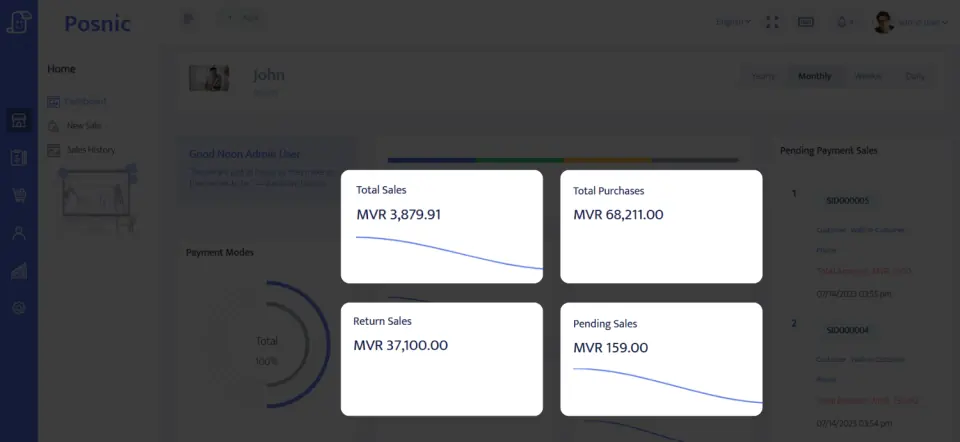
Archived evidence can be evaluated for accounts, quotations, sales, payments, items and reports. It does not prove project control, certification or a live rollout.
Where Posnic fits
Posnic Community Edition can be evaluated for contractor-office estimates, client accounts, labour and material items, deposits, payment labels, controlled stock, credits and reports. Keep contracts, drawings, permits, scheduling, site safety, certification, subcontractor control and installed-quantity evidence outside scope until the workflow passes the blank record. Posnic Cloud helps only when the contractor needs remote dashboard access, managed backup, multi-office visibility or scoped custom work.