POS operations guide
Pest control contractor inspection, treatment-plan, recurring-visit, chemical-cost and client-balance POS workflow
Pest-control work joins site inspection, pest and risk findings, treatment authorization, licensed technicians, regulated products, occupant instructions, recurring visits, callbacks and account billing. Keep the inspection, accepted plan, treatment evidence, chemical movement, actual cost, invoice and client balance separate.
Evidence and jurisdiction boundary
Evidence reviewed 2026-09-09. Reviewed the current Posnic release boundary and archived customer, sale and item models alongside current US EPA pesticide labeling, applicator-certification and handler-information guidance. EPA is a primary US source, not a substitute for the law, licence, approved products or records required where a contractor operates.
Stable release: v1.9.0. This page does not establish a live pest-control deployment, valid applicator licence, pest diagnosis, accepted treatment, label compliance, product registration, safe application, treatment result, client sign-off or payment settlement. Product evidence remains pinned to an archived source snapshot.
What the current product evidence establishes
Client and balance fields exist
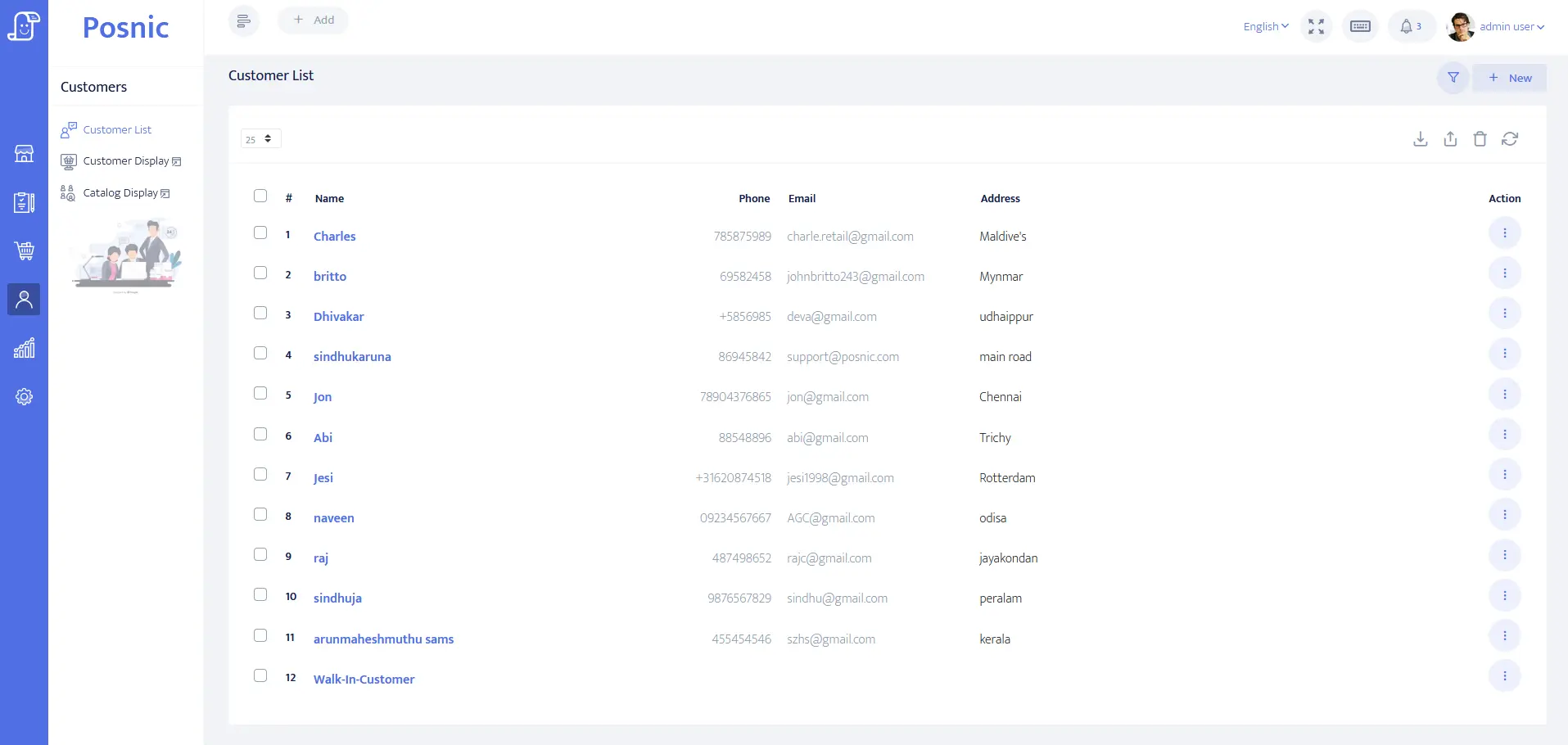
Customer identity, balance and payment-term fields can be inspected for a client or payer. They do not prove property access, consent, treatment authority or privacy compliance.
Quote and sale records exist
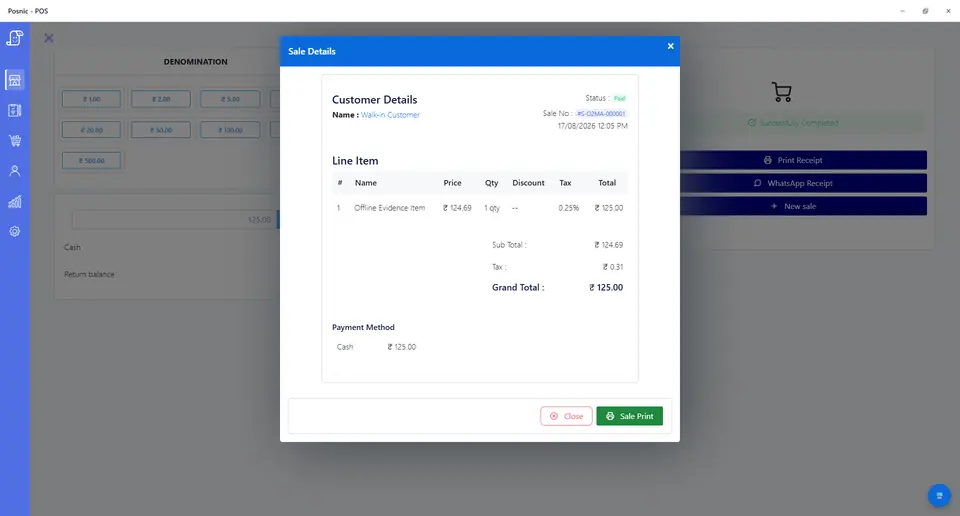
Quotation and sale lines can model inspections, treatment services, recurring charges, materials, credits and refunds. They do not prove treatment or safety.
Item history can be evaluated
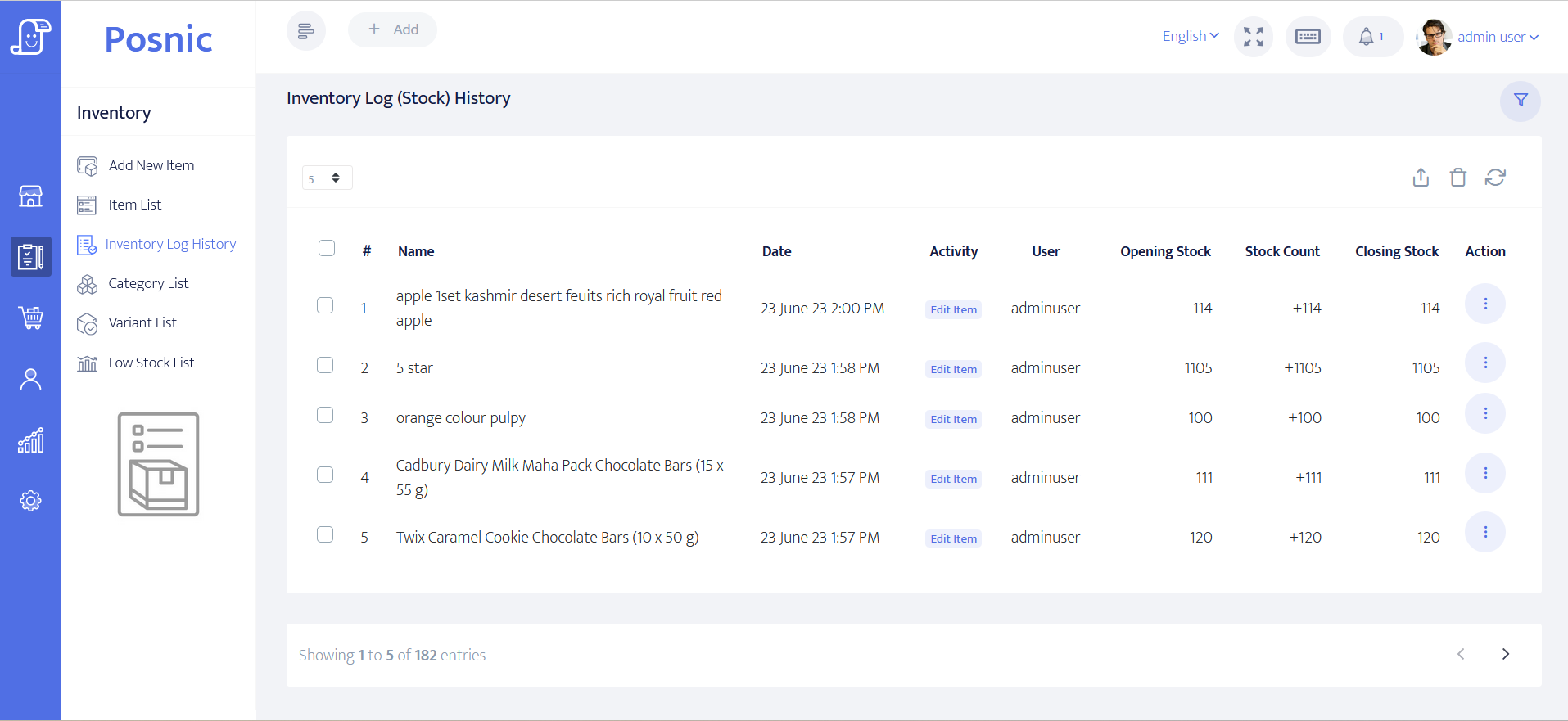
Item and stock-history paths can be tested for traps, bait stations, consumables and controlled products. They do not replace pesticide, batch, storage, application or disposal records.
Regulated work remains outside POS
Pest identification, licence scope, label directions, SDS access, PPE, application, occupant notice, incidents and local reporting require qualified review.
Pest control contractor POS controls before rollout
A scheduled visit is not treatment evidence, an invoice is not a pesticide application record, and payment is not proof that a site is pest-free.
| Area | Record to keep | Why it matters | Acceptance check |
|---|---|---|---|
| Client, site and payer | Contracting party, treatment premises, billing entity, contact permission, access and privacy boundary. | Occupant, owner, manager and payer may differ. | Keys, alarm codes and sensitive findings stay off receipts. |
| Inspection | Visit reference, areas inspected, pest evidence, contributing conditions, risk, photos and inspector. | An enquiry is not a diagnosis or treatment plan. | Findings remain versioned and reviewable. |
| Treatment plan and authority | Target pest, method, areas, exclusions, products, frequency, preparation, aftercare, price, approval and version. | Scope and consent can change before treatment. | Accepted version and approving party remain identifiable. |
| Licence and product gate | Technician credential, permitted category, jurisdiction, expiry, supervisor, product status and label version. | A staff assignment or stock item does not establish legal authority. | Expired or out-of-scope work cannot be marked ready. |
| Recurring visit | Service period, planned date, visit reference, technician, access window and billing rule. | Planned, assigned, attended, treated and billed are distinct. | No charge is raised from schedule alone. |
| Treatment evidence | Arrival, inspected areas, method, product and registration reference, batch, dilution, quantity, equipment, conditions, applicator, time and completion. | A generic sale line cannot prove correct application. | Operational record is linked without being invented by POS. |
| Safety and occupant hand-off | Label/SDS access, PPE check, preparation, warning, restricted or re-entry instruction, emergency information and acknowledgement. | Safety duties depend on product, site, people and jurisdiction. | Current instructions are delivered before relevant work. |
| Chemical and material movement | Stock issue, batch, quantity out, actual use, return, spill, damaged pack, disposal and owner. | Purchased, issued and applied quantities differ. | Quantity movements reconcile without implying compliance. |
| Cost and client charge | Estimated and actual labour, pesticide, consumable, equipment and subcontract cost plus accepted client price. | Cost, landed cost and sale price affect margin differently. | Cost changes do not overwrite client approval. |
| Callback or failed treatment | Complaint, new evidence, cause review, warranty boundary, revisit, extra treatment, credit and resolution. | A repeat sighting is not silently a completed new sale. | Original treatment and every decision stay visible. |
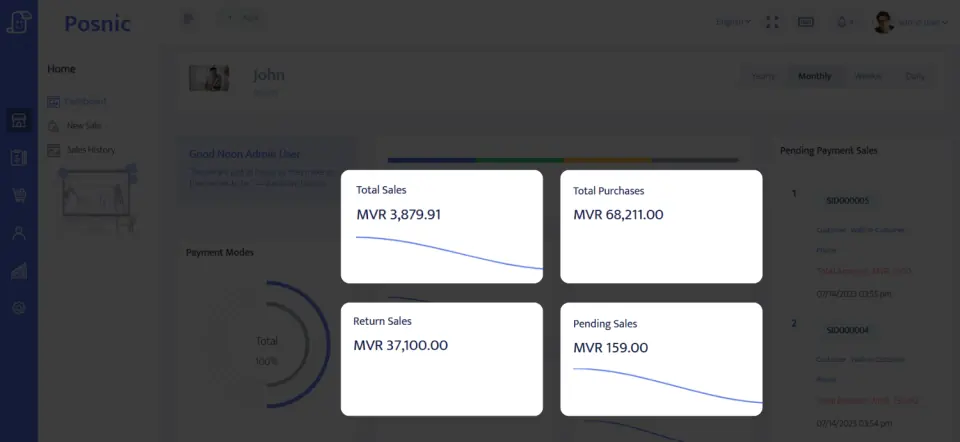
| Invoice and collection | Invoice period, evidenced visits, approved extras, materials, tax, credit, due date, payment and reversal. | Revenue and remaining treatment obligations diverge. | Client balance reconciles to accepted and evidenced work. |
| Owner close | Open inspections and visits, chemical movement, callbacks, sales, receivables, credits, incidents and margin. | Cash close alone hides operational risk. | Finance and treatment obligations close together. |
Practical workflow
Inspect before quoting treatment
Record the site, pest evidence and uncertainty before choosing methods, frequency or price.
Gate authorization before dispatch
Confirm accepted scope, technician credentials, approved product, current label, site preparation and occupant communication.
Link evidence before invoicing
Keep treatment details and safety evidence in the operational record, then invoice only accepted, evidenced work.
Close callbacks with the balance
Review complaints, revisits, stock adjustments, credits and unpaid invoices beside the original treatment.
Inspection-to-payment flow
Inspect and identify
Capture site, pest evidence, risk, uncertainty and access boundary.
Plan and authorize
Version method, products, schedule, price, preparation, exclusions and consent.
Treat and record
Keep application, product, batch, quantity, safety and occupant evidence outside the invoice.
Invoice evidenced work
Reconcile visits, extras, materials, credits, tax and approval.
Collect and review
Close payment, client balance, callbacks, stock, cost and open treatment obligations.
Hardware, software and data setup
Hardware
- Office computer or tablet and quote or receipt printer.
- Field device only after offline, access-control and privacy testing.
- Barcode scanner where product and batch workflows support it.
- Payment terminal without storing card data in POS.
- Off-device backup for client, treatment-reference, stock and payment records.
Software and data
- Client and payer accounts with minimum necessary site data.
- Separate inspection, recurring-service, treatment, material, callback, credit and refund items.
- Distinct planned, assigned, attended, treated, evidenced, invoiced and paid states.
- Restricted access to licence, product, occupant, incident and treatment references.
- Reports for balances, open visits, stock movement, callbacks, credits and margin.
Setup sequence
- Write inspection, authorization, technician, product, safety, treatment, callback, invoicing and credit rules.
- Create synthetic clients, sites, payers, pests, services, technicians, products, batches, consumables and payment labels.
- Version one inspection and accepted treatment plan.
- Assign a recurring visit without treating assignment as attendance or treatment.
- Test credential and product gates before dispatch.
- Test product issue, actual quantity, return, spill or damaged container and disposal references.
- Test failed access, occupant not ready, unsuitable conditions, incident, callback, failed payment and credit.
- Reconcile invoices, receipts, product movement, actual costs, callbacks and open visits.
- Back up and restore records, then obtain operations, safety, licensing, payment, privacy and local approval.
Product evidence to inspect
Mistakes to avoid
- Treating booking, dispatch, invoice or payment as proof of treatment.
- Storing a pesticide as a generic item without operational product, batch and quantity records.
- Using POS permissions as evidence of applicator certification or licence scope.
- Overwriting inspection, treatment-plan, label, application or callback history.
- Putting access codes, occupant health details or sensitive infestation notes on receipts.
- Promising eradication or safety from a completed sale status.
- Importing real client data before backup and restore pass.
Use the blank pest control contractor POS acceptance record
The CSV keeps 24 controls blank until the exact workflow is tested, including inspection, treatment authority, credentials, product and label gates, recurring visits, application evidence, chemical cost, callbacks, invoices, credits and restore.
Primary sources used
Current stable release
Pinned source tree
EPA pesticide labeling
EPA applicator standards
EPA handler information
Local authority
Confirm licensing, approved products, records, notices, storage, transport, disposal and consumer rules with the competent authority where work occurs.
Where Posnic fits
Posnic Community Edition can be evaluated for office quotations, client accounts, service and material items, payment labels, controlled stock, credits and reports. Keep inspection, pest identification, scheduling, technician credentials, pesticide labels, treatment records, occupant safety, incidents and legal reporting outside scope until the workflow passes the blank record.