POS operations guide
Event venue booking, deposit, catering add-on and final-balance POS workflow
A venue booking combines a scarce date and space with staged money and changing event scope. Keep enquiry, hold, confirmation, deposit, room and capacity, guest count, catering, equipment, staffing, final balance, event completion, damage deposit and refund separate.
Evidence and review scope
Evidence reviewed 2026-09-05. Reviewed the current Posnic stable release boundary and archived customer, sale and item models.
Stable release: v1.9.0, source commit 567a176. This page does not establish a live venue deployment, availability calendar, signed contract, capacity or fire-safety approval, floorplan, catering production, allergen control, alcohol licence, staffing roster, payment settlement or accepted event. Evidence remains pinned to an archived source snapshot.
What the current evidence establishes
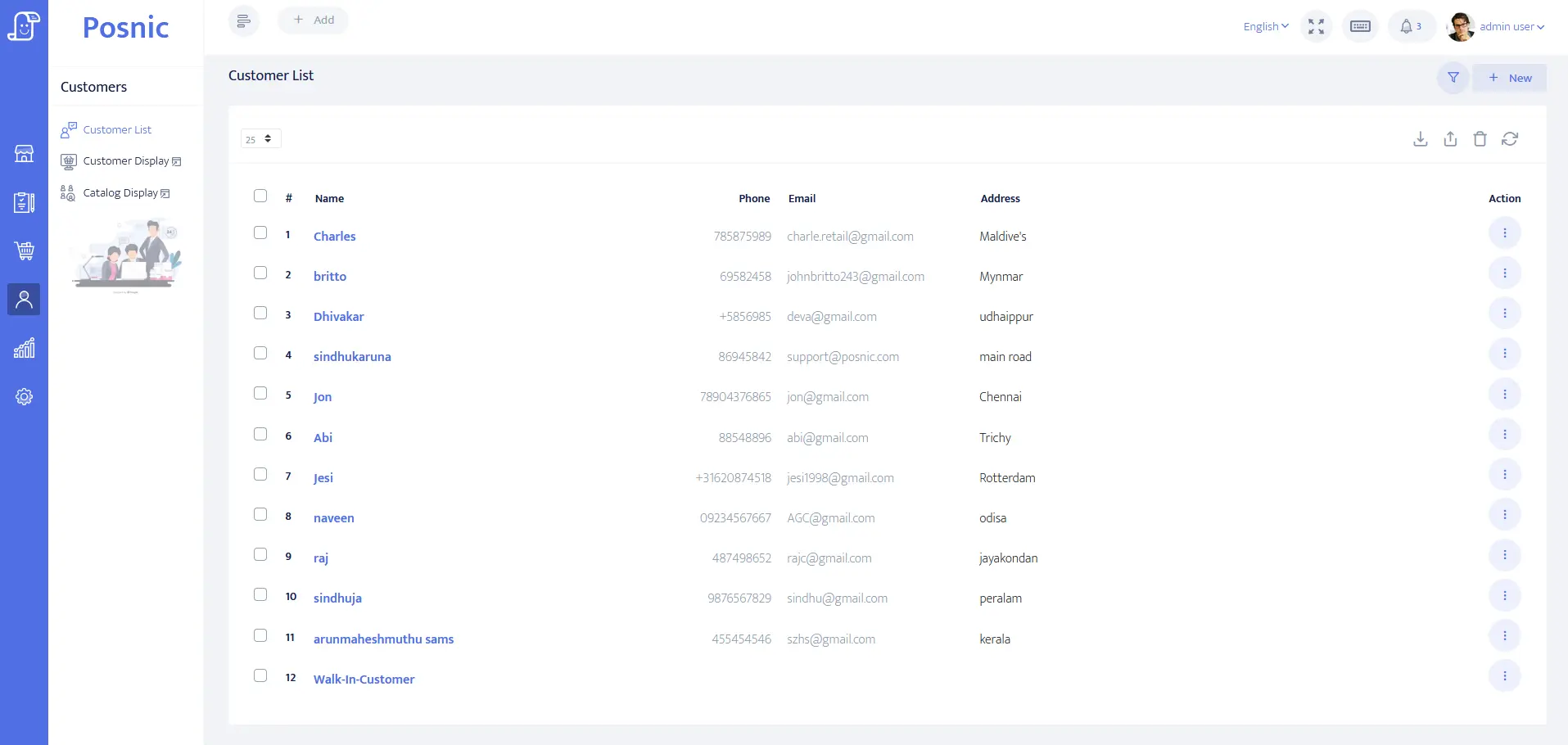
Client account evidence exists
Customer identity, balance and payment-term fields can be evaluated for organiser or company accounts. They do not prove authority to contract, guest consent or event safety.
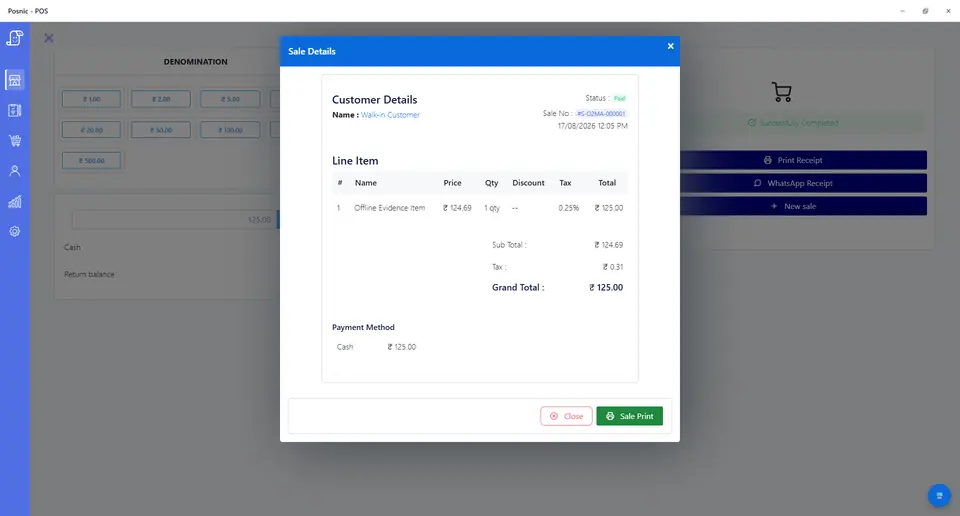
Sale and payment records exist
Sale lines can model venue packages, deposits, catering, equipment, staffing, tenders and refunds. They do not prove availability, settlement or event completion.
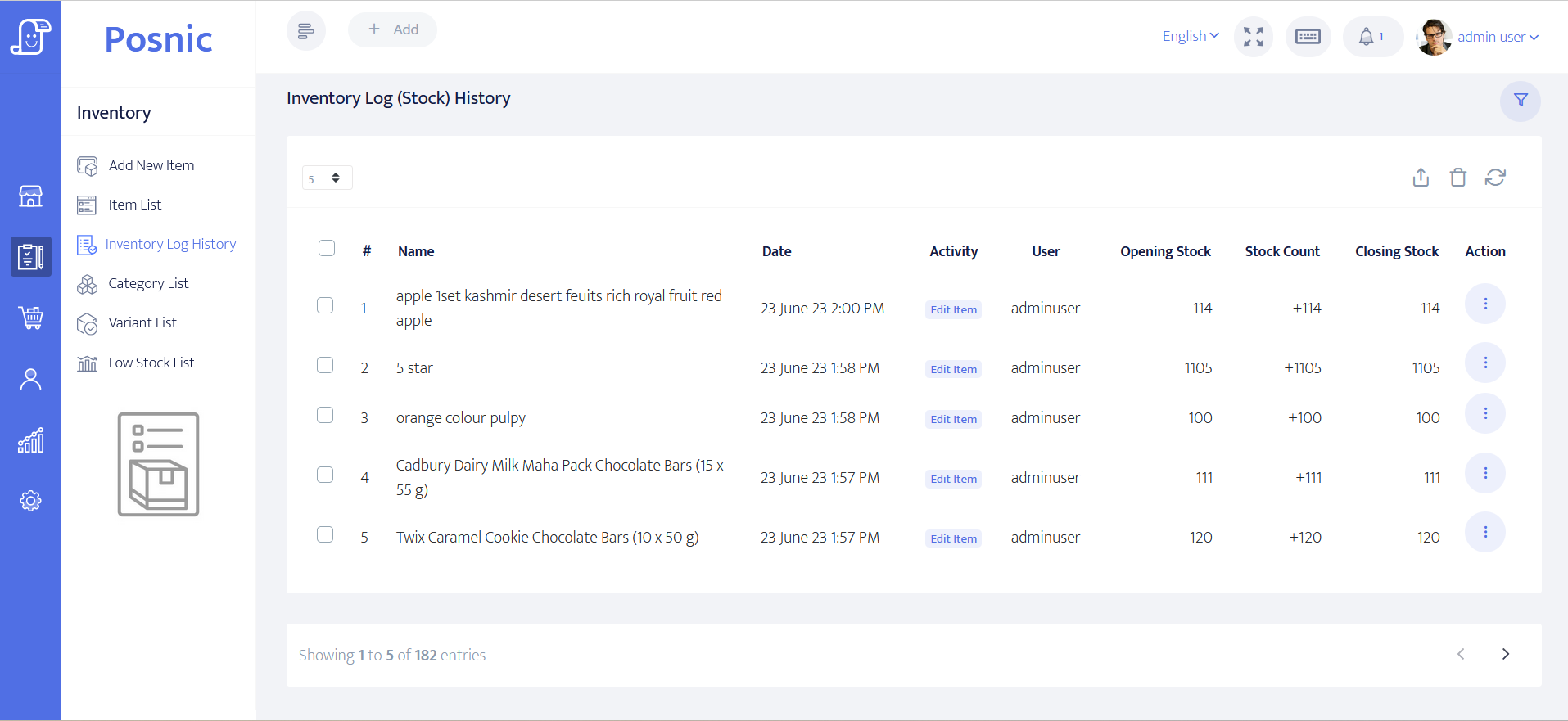
Stock evidence exists
Item and stock-history paths can be inspected for beverages, consumables and approved retail goods. Perishable production, allergens and hired equipment custody need separate controls.
Contracts and safety remain operational
Capacity, emergency plans, licences, contracts, insurance, food safety, alcohol service and local tax and privacy duties require qualified owner review.
Event venue POS controls before rollout
A date hold is not a confirmed booking, a deposit is not final settlement, and event completion is not proof that every supplier, refund or damage decision is closed.
| Area | Record to keep | Why it matters | Acceptance check |
|---|---|---|---|
| Client | Organiser, contracting party, payer, billing fields, contact permission and balance. | The right party must own scope and payment. | Guest and private notes stay off receipts. |
| Enquiry and hold | Venue, date, time, hold expiry, source, owner and status. | An expiring hold must not silently block inventory. | Enquiry, hold and confirmed are distinct. |
| Venue package | Room, hours, capacity boundary, setup, cleanup, inclusions, price and tax. | One generic event item hides obligations. | Quote and receipt show accepted scope. |
| Booking deposit | Amount, due date, tender, cancellation treatment and original receipt. | A deposit confirms only the agreed payment step. | Deposit and final balance reconcile. |
| Staged balances | Milestones, due dates, instalments, failed payment and outstanding amount. | Events often collect money over months. | Each payment traces to total contract value. |
| Guest count | Estimate, guaranteed minimum, cut-off, final count, rate and approval. | Capacity and catering cost change with headcount. | Old and new count remain auditable. |
| Catering add-ons | Menu or package, count, dietary reference, service window, price and tax. | Billing does not replace allergen or production controls. | Changes retain approval and price impact. |
| Equipment and staffing | Tables, linen, audio, lighting, security, service staff, quantity and owner. | Operational promises need visible responsibility. | Add-ons and external supplier boundaries are clear. |
| Event completion | Access, setup, event, cleanup, overtime, incident and handback states. | Booking and delivery are different. | Exceptions do not overwrite payment history. |
| Damage deposit | Held amount, inspection, evidence, approved deduction, release and refund. | Held money is not ordinary venue revenue. | Release traces to original receipt. |
| Cancellation | Notice date, contractual tier, retained amount, credit, refund and approver. | Informal decisions create large disputes. | Original value and every adjustment remain visible. |
| Owner review | Sales, balances, future events, deposits, catering obligations, refunds and failures. | Money and event promises diverge. | Owner reconciles cash and obligations together. |
Practical workflow
Expire holds deliberately
Give every provisional hold a clear owner and expiry; confirmation requires the accepted contract and payment state.
Version commercial scope
Guest count, catering, timing and equipment may change repeatedly. Retain the old value, new value, price effect, reason and approval.
Separate booking and damage deposits
Each has a different purpose and release rule. Neither should disappear inside ordinary event revenue.
Close money and event obligations together
Review tenders beside balances, future events, catering counts, supplier boundaries, overtime, deposits, refunds and failures.
Venue enquiry-to-close flow
Record enquiry
Capture organiser, date, venue, headcount and hold expiry.
Confirm scope
Approve venue package, inclusions, contract boundary and booking deposit.
Version changes
Record guest, catering, equipment, staffing and timing changes.
Settle and deliver
Collect staged balances and record event, overtime and handback states.
Release and reconcile
Resolve damage deposit, refunds, suppliers, tenders and remaining balances.
Hardware, software and data setup
Hardware
- Booking-office computer or tablet and receipt printer.
- Event-day terminal only after network and offline fallback are accepted.
- Barcode scanner only for labelled stock or hired equipment.
- Payment terminal without storing card data in POS.
- Off-device backup for client, event, payment and deposit records.
Software and data
- Organiser and company accounts with minimum necessary billing data.
- Venue, catering, staffing, equipment, deposit, overtime, credit and refund items.
- Separate enquiry, hold, confirmation, event, inspection and close states.
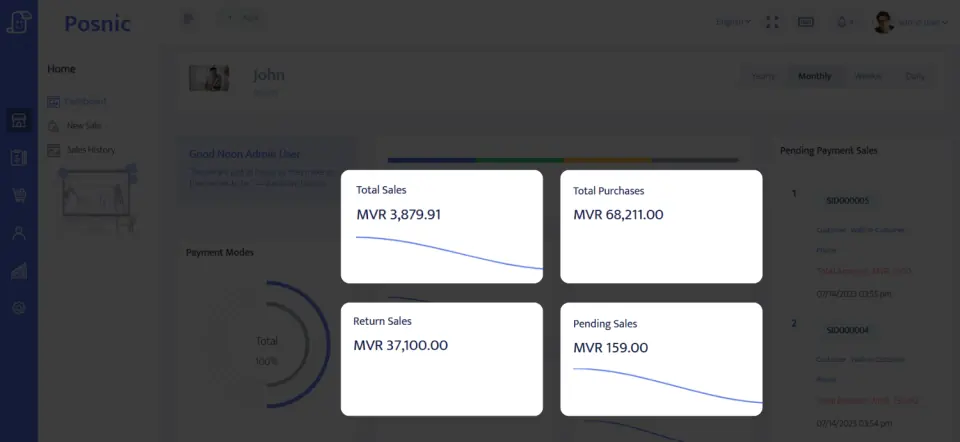
- Reports for balances, future events, deposits, refunds, reversals and failures.
- Export and restore workflow before real event data is imported.
Setup sequence
- Write hold, booking, deposit, instalment, guest-count, cancellation, overtime, damage and refund rules.
- Create synthetic clients, venues, packages, catering options, equipment and staff add-ons.
- Hold and confirm overlapping venue dates to prove conflict handling.
- Take booking and damage deposits as distinct records.
- Change guest count, menu, timing and equipment after the agreed cut-off.
- Test failed instalment, final balance, cancellation, retained credit and refund.
- Complete one event with overtime and one with an approved damage deduction.
- Reconcile tenders, balances, future obligations, deposits and supplier boundaries.
- Back up and restore records, then obtain operations, finance, safety, food, licensing, privacy and local approval.
Product evidence to inspect
Mistakes to avoid
- Treating an enquiry or expiring hold as a confirmed event.
- Promising one venue to overlapping bookings.
- Changing headcount, catering, timing or equipment without approval history.
- Recording booking or damage deposits as ordinary earned revenue.
- Using POS billing as proof of food safety, capacity, alcohol licensing or contract acceptance.
- Putting guest lists, dietary details or incident notes on receipts.
- Importing real event data before backup and restore pass.
Use the blank event venue POS acceptance record
The CSV keeps 24 controls blank until the exact venue workflow is tested, including holds, packages, deposits, guest count, catering, staged balances, event close, refunds, reconciliation and restore.
Primary sources used
Current stable release
Pinned source tree
Customer model
Sale model
Item model
PCI SSC merchant process
Questions
Is event venue POS the same as venue management software?
No. Availability, contracts, floorplans, guests, catering production, staffing and safety need separate controls.
Should a date hold count as a confirmed booking?
No. Enquiry, hold, signed booking, deposit, staged payment and completed event are separate states.
How should catering headcount changes be billed?
Retain the original basis, cut-off, revised count, rate, minimum, price effect and approval.
How should damage deposits be handled?
Keep them separate from revenue and link release or deductions to inspection evidence, receipt and refund proof.
Where does Posnic fit?
Archived evidence can be evaluated for accounts, sale lines, payments, stock and reports. It does not prove venue scheduling, contracts, catering production or a live rollout.
Where Posnic fits
Posnic Community Edition can be evaluated for booking-office billing, organiser accounts, venue and add-on products, deposits, payment labels, consumable stock and reports. Keep availability, contracts, floorplans, capacity, safety, licences, guest management, catering production and staffing outside scope until the workflow passes the blank record. Posnic Cloud helps only when the venue needs remote dashboard access, managed backup, multi-site visibility or scoped custom work.