POS operations guide
Equipment rental reservation, deposit and return-condition POS workflow
A rental counter sells temporary use of a specific asset, not just an item. Keep reservation, asset identity, availability, deposit, handover condition, extension, return, damage, cleaning, late fee, refund and owner reconciliation distinct.
Evidence and review scope
Evidence reviewed 2026-09-05. Reviewed the current Posnic stable release boundary and archived customer, sale and item models.
Stable release: v1.9.0, source commit 567a176. This page does not establish a live rental deployment, reservation engine, serialised-asset scheduler, identity check, e-signature, insurance decision, inspection standard, maintenance system, payment settlement or accepted pilot. Evidence remains pinned to an archived source snapshot.
What the current evidence establishes
Renter account evidence exists
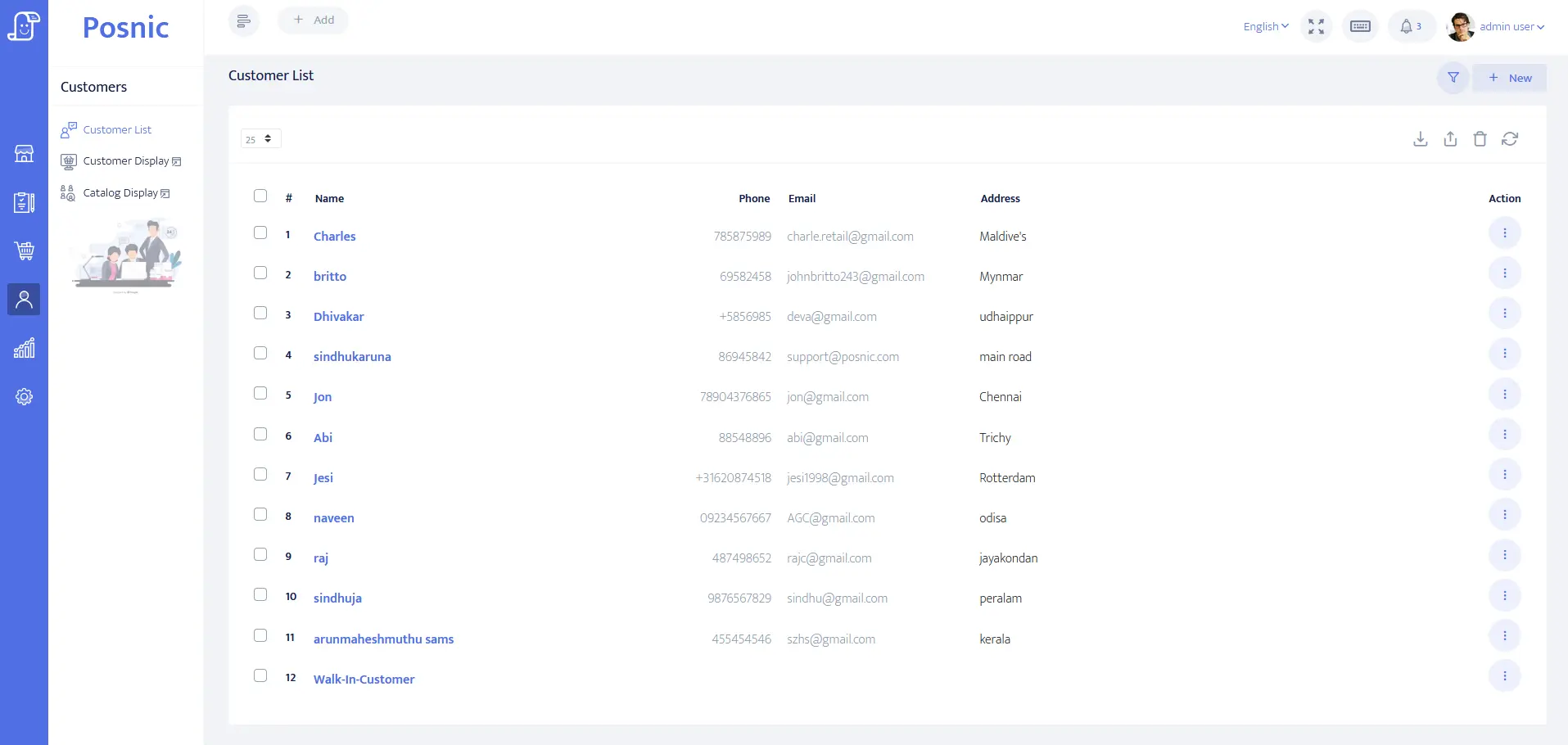
Customer identity, balance and payment-term fields can be evaluated for renter or company accounts. They do not prove identity checks, licence eligibility, contracts or consent.
Sale and payment records exist
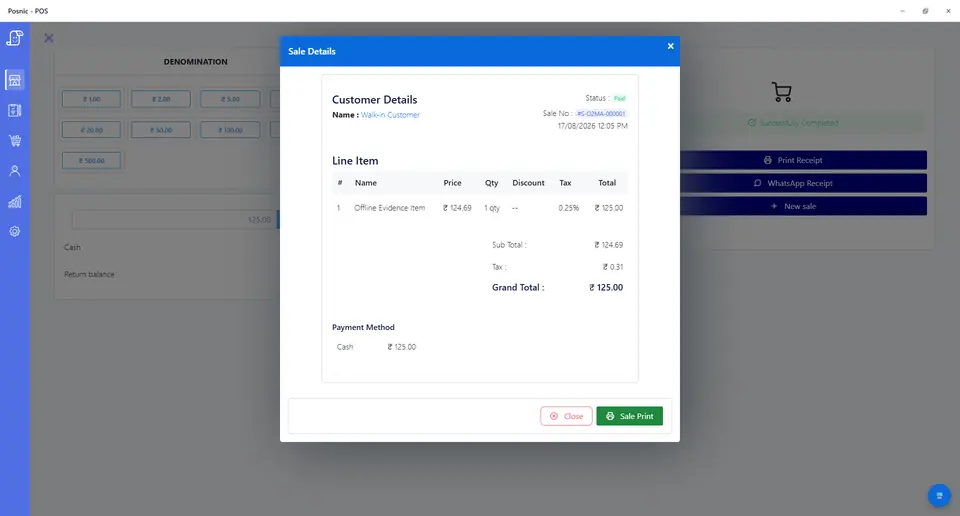
Sale lines can model hire periods, deposits, delivery, accessories, tenders and refunds. They do not prove asset availability, card settlement or automated late-fee decisions.
Stock evidence exists
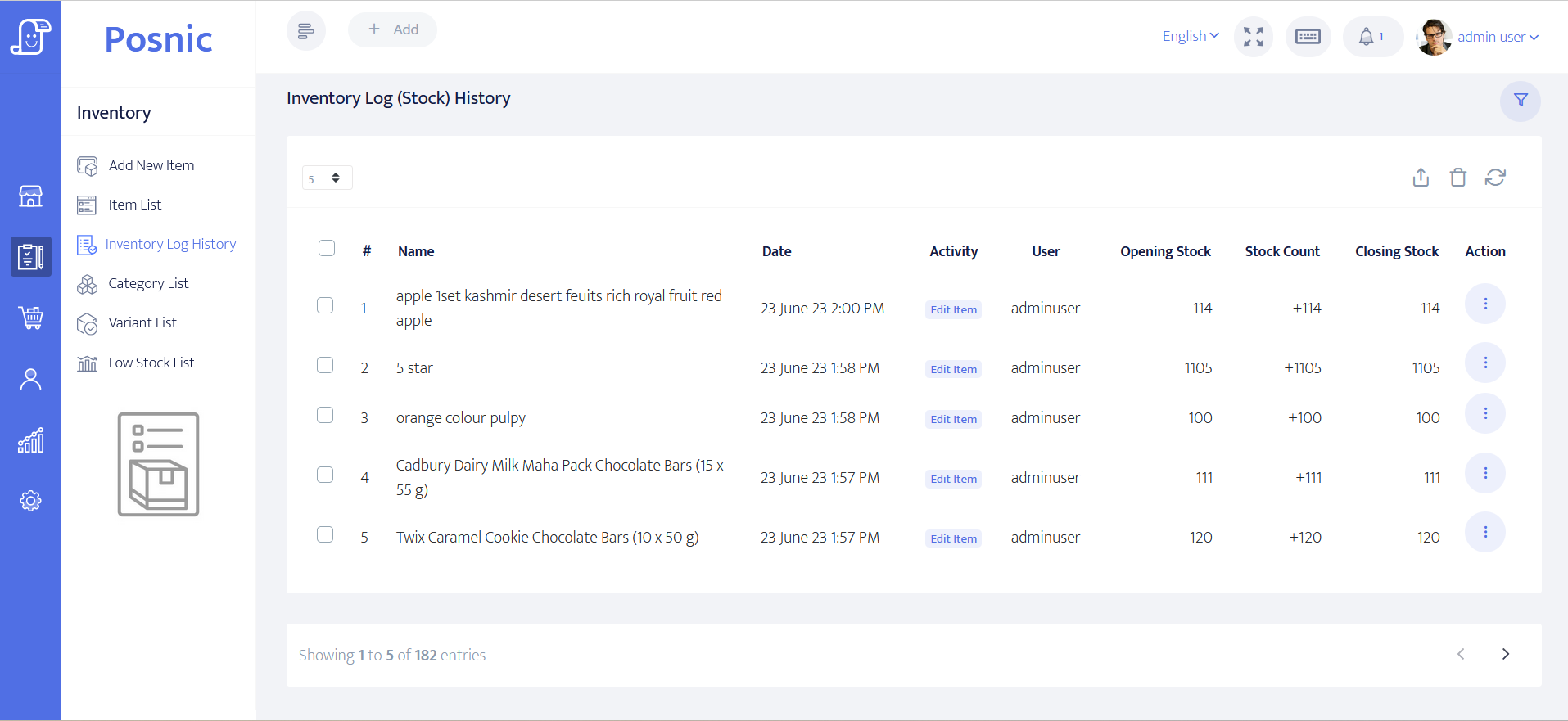
Item and stock-history paths can be inspected for rentable categories, accessories and consumables. Individual serialised assets, condition and maintenance need separately accepted records.
Inspection and liability remain operational
Safety inspection, suitability, insurance, waiver, damage evidence and local tax, privacy and rental-contract duties require qualified owner review.
Equipment rental POS controls before rollout
A booking promises availability while handover transfers temporary custody. Preserve every state so money and physical responsibility can be reconciled.
| Area | Record to keep | Why it matters | Acceptance check |
|---|---|---|---|
| Renter | Person or company, payer, contact permission, eligibility boundary and balance. | The correct party must own the reservation and charges. | Receipt exposes only required billing data. |
| Rental asset | Category, asset or serial reference, site, status, rate and accessories. | One physical unit cannot be hired twice. | Available, reserved, out, maintenance and retired are distinct. |
| Reservation | Start, due-back time, asset class, quantity, hold expiry and status. | A reservation is a future promise, not collected money. | Overlaps are blocked or clearly flagged. |
| Rate and allowance | Hourly, daily or weekly rate, included use, excess unit and tax treatment. | Ambiguous rate boundaries create disputes. | Expected charge can be reproduced before handover. |
| Deposit | Purpose, amount, payer, payment proof, held state, deductions and refund. | Held money is not ordinary earned revenue. | Release traces to the original receipt. |
| Handover condition | Asset, meter, fuel or battery, defects, accessories, evidence and acknowledgement. | Return disputes need an agreed starting point. | Evidence is immutable and time linked. |
| Extension | Old due time, new due time, availability check, added charge and approval. | An extension can conflict with the next reservation. | Availability is checked before acceptance. |
| Return condition | Return time, meter, fuel or battery, cleanliness, damage, missing parts and evidence. | Custody ends only after return review. | Before and after evidence remain linked. |
| Late, damage and cleaning | Written rule, measured basis, charge, waiver, evidence and approver. | Staff should not invent exception charges. | Every charge or waiver is reproducible. |
| Maintenance hold | Fault, inspection, unavailable period, repair and release approver. | Unsafe or incomplete assets must not re-enter availability. | Maintenance blocks handover until release. |
| Payment and refund | Cash, card, transfer, wallet, failure, reversal, balance, credit and refund. | Reservation and return are not proof of settlement. | Tenders and balances reconcile. |
| Owner review | Sales, balances, assets out, overdue returns, deposits, damage, refunds and failures. | Money and custody diverge when reviewed separately. | Owner closes cash and asset obligations together. |
Practical workflow
Reserve an asset class or exact unit
Define which one is promised, the hold expiry and what happens when the chosen unit becomes unavailable.
Inspect before handover
Record existing defects, meter, fuel or battery, included accessories and renter acknowledgement before custody changes.
Check availability before extending
Never extend a hire solely by changing the due date. Protect the next reservation and retain the added charge.
Close custody and money together
Return the asset, assess approved exceptions, release or allocate the deposit, then reconcile tenders and outstanding balances.
Rental reservation-to-return flow
Create renter
Capture minimum billing, contact and eligibility-boundary details.
Reserve available equipment
Choose asset class or unit, period, rate, accessories and hold expiry.
Collect and inspect
Record payment, deposit and signed-off starting condition before handover.
Return and assess
Record time, condition, meter, missing items and approved exceptions.
Refund and reconcile
Release or allocate deposits and close money beside asset status.
Hardware, software and data setup
Hardware
- Rental-counter computer or tablet and receipt printer.
- Barcode or serial scanner where asset labels are used.
- Camera only under an accepted condition-evidence and privacy process.
- Cash drawer where cash is accepted.
- Off-device backup for renter, asset, payment and condition records.
Software and data
- Renter and company accounts with minimum necessary data.
- Rental rates, deposits, delivery, accessories, fees, credits and refund items.
- Separate reservation, handover, extension, return, inspection and maintenance states.
- Reports for assets out, overdue, deposits, balances, damage, refunds and reversals.
- Export and restore workflow before real renter data is imported.
Setup sequence
- Write rate, hold, deposit, cancellation, extension, late, damage, cleaning and refund rules.
- Create synthetic renters and uniquely identifiable rental assets with accessories.
- Reserve one unit and attempt an overlapping reservation.
- Record deposit and before-handover condition evidence.
- Extend one hire into a conflicting future booking and prove the warning.
- Return one asset clean and one late or damaged under the written rule.
- Test failed payment, reversal, partial deposit deduction and refund.
- Place a returned asset on maintenance hold and require approved release.
- Back up and restore synthetic records, then obtain operations, finance, privacy, safety and local approval.
Product evidence to inspect
Mistakes to avoid
- Treating a reservation or handover as proof that payment settled.
- Tracking only item quantity when each physical asset has a condition and custody history.
- Extending a hire without checking the next reservation.
- Recording refundable deposits as earned sales.
- Charging damage without retained before-and-after evidence and approval.
- Returning unsafe equipment to availability before inspection release.
- Putting identity documents, signatures or sensitive condition images on receipts.
- Importing real renter records before backup and restore pass.
Use the blank equipment rental POS acceptance record
The CSV keeps 24 controls blank until the exact rental workflow is tested, including reservations, deposits, condition, extensions, returns, damage, payments, refunds, maintenance, reconciliation and restore.
Primary sources used
Current stable release
Pinned source tree
Customer model
Sale model
Item model
PCI SSC merchant process
Questions
Is equipment rental POS the same as rental management software?
No. Asset scheduling, inspections, maintenance and contracts require separate acceptance or connected systems.
Should a reservation count as rental revenue?
No. Reservation, deposit, final payment, handover, return and refund are separate states.
How should rental deposits be handled?
Link the deposit to the renter, reservation and original receipt, then record release, approved deductions and refund.
How should damage be recorded?
Keep before and after evidence, acknowledgement, assessment, repair evidence, approved charge and deposit allocation together.
Where does Posnic fit?
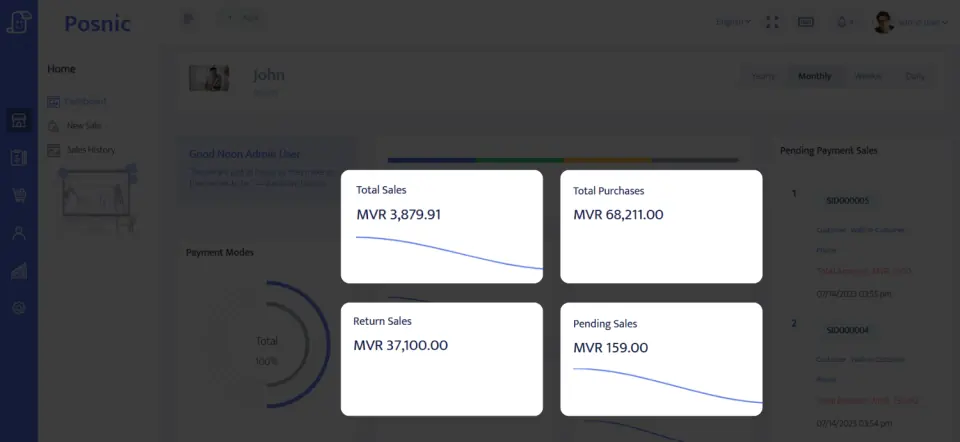
Archived evidence can be evaluated for accounts, sale lines, payment labels, stock history and reports. It does not prove complete asset scheduling, inspections, contracts or a live rollout.
Where Posnic fits
Posnic Community Edition can be evaluated for counter billing, renter accounts, rental and deposit products, payment labels, accessories and reports. Keep asset-level scheduling, contracts, identity and licence checks, condition-media retention, insurance, inspections and maintenance outside scope until the workflow passes the blank record. Posnic Cloud helps only when the operator needs remote dashboard access, managed backup, multi-site visibility or scoped custom work.