POS operations guide
Driving school lesson package and test-slot POS workflow
A driving school sells instructor time, vehicle time and test-day commitments. Its POS workflow must keep lesson packages, deposits, bookings, delivery, instructor and vehicle assignment, no-shows, test slots, payment proof, refunds and owner reconciliation clear without pretending that a sale screen is a complete scheduling or regulatory system.
Evidence and review scope
Evidence reviewed 2026-09-04. Reviewed the current Posnic stable release boundary, archived customer, sale and item data models, and adjacent lesson-package, appointment and staff-control guide patterns.
Stable release: v1.9.0, source commit 567a176. This page does not establish a live driving-school deployment, booking engine, route planner, regulator integration, vehicle-roadworthiness control, learner portal, instructor payroll, automatic reminders or accepted pilot week. Reproduced evidence remains pinned to an archived source snapshot.
What the current evidence establishes
Learner account evidence exists
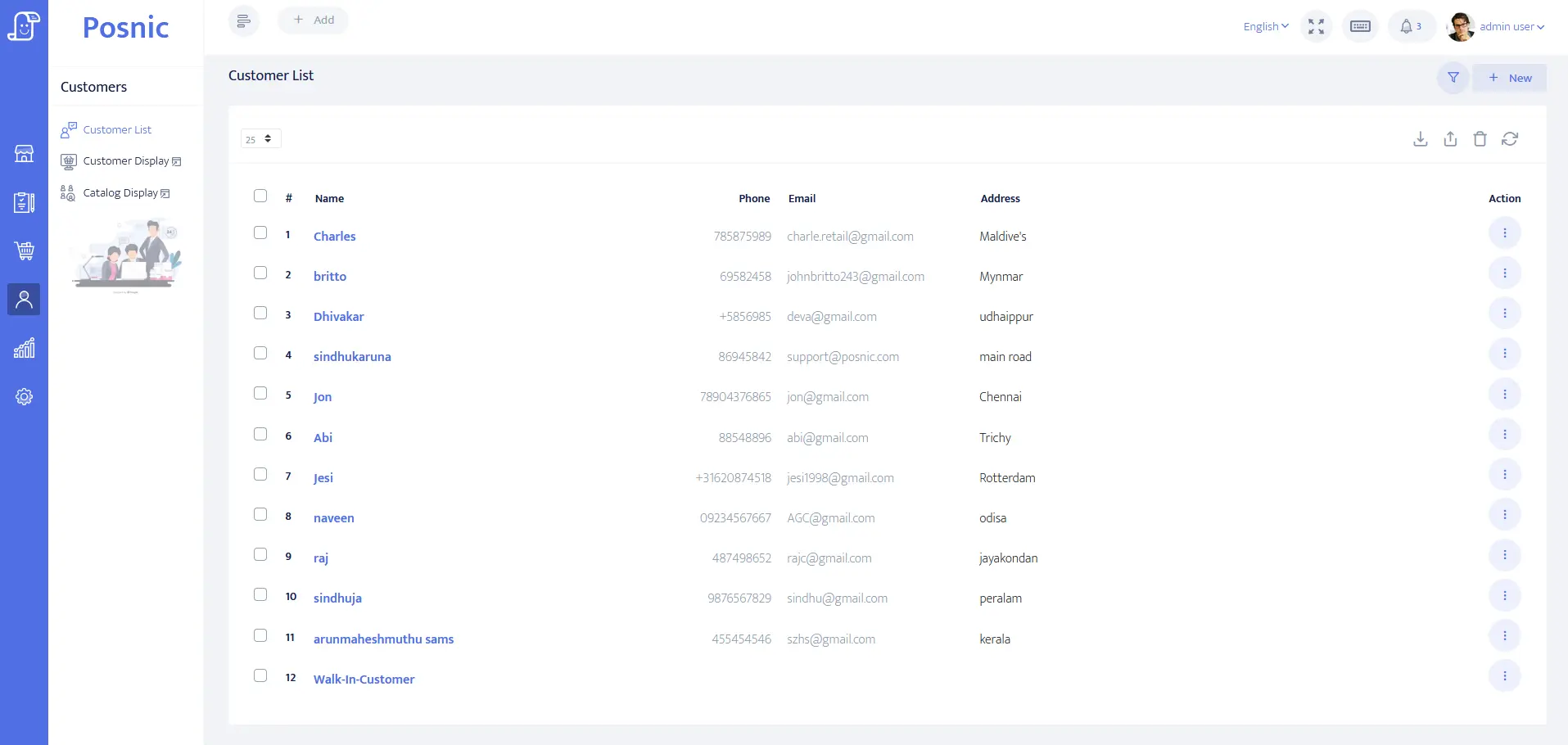
Pinned source evidence contains customer identity, address, balance and payment-term fields that can be evaluated for learner or payer accounts. It does not prove licence validation, consent, progress records, pickup safety or regulator reporting.
Lesson and payment records exist
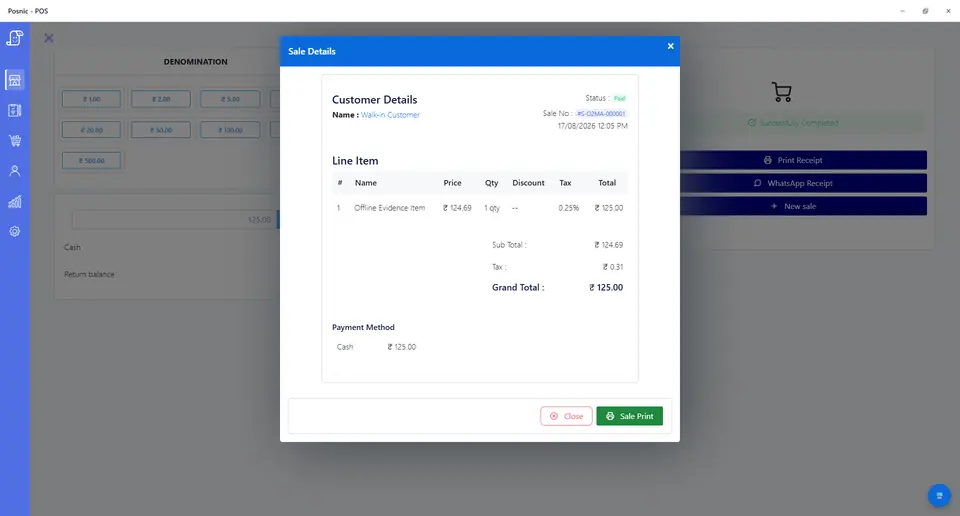
Sale records can hold enrolment, single lessons, packages, deposits, test-day vehicle fees, classroom products, tenders and balances for synthetic tests. They do not prove booking availability, card settlement or package redemption automation.
Retail stock evidence exists
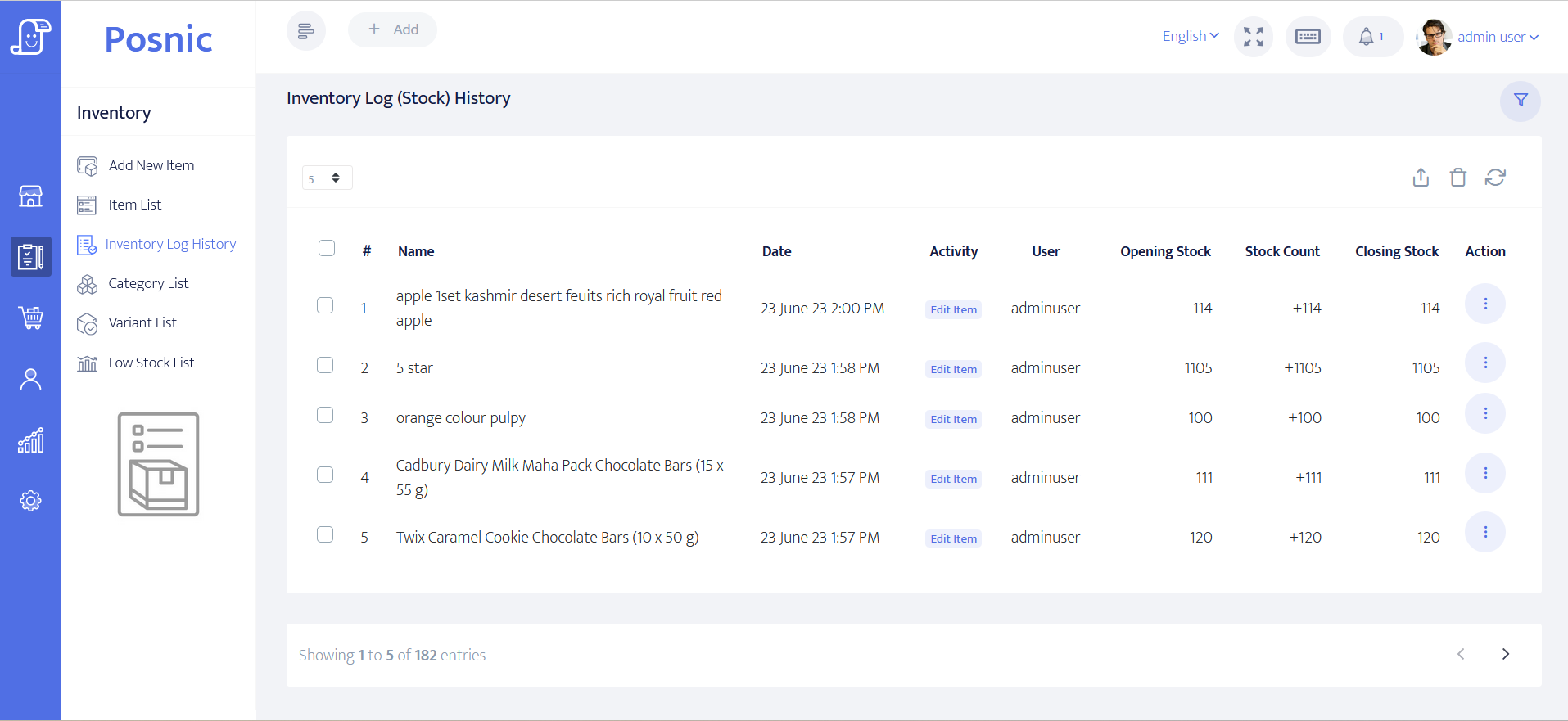
Item and stock-history paths can be inspected for handbooks, logbooks, signs and other approved retail goods. Instructor hours, vehicle hours and unused lesson value still need separate accepted controls.
Scheduling and compliance remain operational
Instructor licensing, vehicle category and roadworthiness, test-authority rules, pickup safety, cancellation wording and local privacy requirements must be accepted outside the POS evidence before automation is trusted.
Driving school POS controls before rollout
Driving schools often mix paid packages, future bookings, instructor diaries, vehicle availability and test-day promises at one desk. Keep each state separate so collected money, delivered work and remaining obligations stay explainable.
| Area | Record to keep | Why it matters | Acceptance check |
|---|---|---|---|
| Learner profile | Learner or payer, licence category, contact permission, preferred instructor, duplicate check and balance. | Front desk needs the right account without exposing private notes. | A learner can be found and billed without private detail on receipts. |
| Lesson product | Manual, automatic, motorcycle or local category, duration, price, tax and vehicle requirement. | One generic lesson item hides operational differences. | Sales group by accepted category and duration. |
| Lesson package | Package size, sale date, expiry, eligible category, used lessons, remaining lessons and transfer rule. | Unused lessons remain an obligation. | Every redemption links to its original package sale. |
| Deposit and balance | Deposit, total due, instalments, outstanding amount and final payment. | A deposit is neither full payment nor lesson delivery. | Payment history reconciles to the package total. |
| Lesson booking | Learner, start time, duration, instructor, vehicle, meeting point and booking state. | A booking reserves two scarce resources. | Future bookings remain separate from collected money. |
| Instructor assignment | Instructor, licence or category boundary, availability, reassignment reason and approver. | Instructor work should not require editing a sale. | Overlaps and unavailable time are blocked or flagged. |
| Vehicle assignment | Vehicle, transmission, category, availability, maintenance state and inspection boundary. | A paid lesson cannot be delivered with an unavailable or unsuitable vehicle. | Overlaps and compliance exceptions are visible before confirmation. |
| Lesson delivery | Delivered, learner no-show, late cancellation, instructor cancellation or school cancellation. | Delivery is not the same as booking or payment. | Only accepted delivered or chargeable states reduce package value. |
| No-show rule | Notice window, fee, package deduction, waiver reason and approver. | Inconsistent exceptions leak time and create disputes. | Charged and waived cases keep a reason. |
| Test slot | Authority reference, date, time, learner, instructor, vehicle, fee and cancellation rule. | A practical test creates a scarce dated promise. | Test-slot money and obligations are searchable together. |
| Test-day fees | Vehicle hire, instructor time, warm-up lesson, administration and external fee boundary. | Each component may have a different refund owner. | Fees do not disappear inside a generic lesson item. |
| Retail stock | Handbook, logbook, sign or approved accessory SKU, quantity, price and stock movement. | Physical goods are inventory, not instructor time. | Stock changes separately from service income. |
| Payment proof | Cash, card, transfer, wallet, manual proof, failed attempt, reversal, refund and balance due. | A booked slot is not collected money. | Tenders and outstanding balances reconcile before close. |
| Privacy boundary | Contact permission, pickup detail, licence references, progress notes, reminders and export access. | Sensitive learner and location detail should not become receipt text. | Receipts and broad exports expose only required billing fields. |
| Owner review | Sales, package liability, delivered lessons, no-shows, instructor work, vehicle use, test slots, refunds and failures. | Money and operational promises diverge when reviewed separately. | The owner reconciles cash, work and remaining value together. |
Practical workflow
Booking is not payment or delivery
A lesson can be booked before payment, prepaid in a package, paid after delivery or cancelled by either side. Keep booking, payment, redemption and delivery as separate states.
Every road lesson needs two resources
Assign both an eligible instructor and a suitable available vehicle. Reassignment should retain the old value, new value, reason, time and approver.
Test slots carry dated obligations
A practical test may combine an external booking, instructor time, vehicle hire and a warm-up lesson. Record each fee and cancellation owner without claiming regulator integration.
No-shows need one written rule
Record the notice window, charge, package deduction, waiver reason and approval. Staff should not settle disputes from memory or silently change the original sale.
Driving school lesson-package and test-slot flow
Run a visible path from learner and sale through resource booking, delivery and reconciliation before connecting calendar, reminder, route-planning or regulator tools.
Create learner
Capture only the billing, contact, licence-category, duplicate-prevention and permitted follow-up details needed for the workflow.
Sell lesson or package
Record the lesson category, duration, package size, deposit, expiry, transfer terms, tender and outstanding balance.
Book instructor and vehicle
Reserve both resources, check category and availability, and keep test authority or meeting-point references within their accepted boundary.
Record delivery state
Mark delivered, no-show or cancellation, then deduct only the accepted package value without overwriting payment history.
Reconcile promises and money
Owner checks tenders, balances, unused lessons, delivered work, resource conflicts, test slots, no-shows, refunds and reversals.
Hardware, data and payment setup
Hardware
- POS computer, laptop or tablet at reception.
- Receipt printer for lessons, packages, deposits, test-day fees, retail goods and refunds.
- Barcode scanner only if handbooks, logbooks, signs or other labelled goods are sold.
- Cash drawer or counted cash box where cash is accepted.
- Optional instructor device after booking, delivery, reassignment and offline-fallback rules are accepted.
- Off-device backup location for learner, payment, package, lesson, instructor, vehicle and test-slot records.
Software and data
- Learner accounts with licence category, payer boundary, package balance, preferred instructor and permitted follow-up fields.
- Single lesson, package, deposit, theory class, test-day vehicle, instructor time, administration, retail and refund items.
- Booking, delivery, no-show, cancellation, extension, transfer, instructor change, vehicle change and package-redemption controls.
- Payment modes and failed-payment follow-up without storing card data in POS.
- Reports for dues, unused lessons, delivered lessons, no-shows, instructor activity, vehicle use, test slots, refunds and reversals.
- Export and restore workflow before importing real learner lists.
Setup sequence
- Write the commercial rules first: lesson duration, package expiry, transfer, late cancellation, no-show charge, test-day components, refund approval and failed-payment handling.
- Create synthetic learners, instructors and vehicles; test manual and automatic lessons, a package, a deposit, a balance, a test slot and a retail item.
- Book overlapping lessons to prove instructor and vehicle conflicts are blocked or clearly flagged, including leave and maintenance periods.
- Deliver one lesson, record one no-show and cancel one lesson from each side; confirm package value changes only under the written rule.
- Record one failed payment, one reversal and one manual proof so staff can distinguish booked, paid, pending and delivered states.
- Build a test-day case with authority reference, vehicle hire, instructor time, warm-up lesson and cancellation ownership kept visible.
- If external calendar, reminder or regulator tools are used, test duplicates, late updates, offline fallback and mismatched resource states.
- Back up and restore the synthetic learner, package, booking, instructor, vehicle, test-slot, payment and refund records.
- Approve a pilot only after the owner, front desk, instructors and local licensing, privacy, payment and support owners sign off.
What each person sees
Learner or payer
Receives clear proof of lessons or packages bought, deposits, balance due, refunds and retail goods without private progress or pickup notes on the receipt.
Front desk
Can answer package balance, booking, instructor, vehicle, test-slot, no-show, payment and refund questions without searching messages.
Instructor
Sees assigned lessons, learner reference, vehicle, time, meeting boundary and delivery state without changing billing or refund records.
Owner
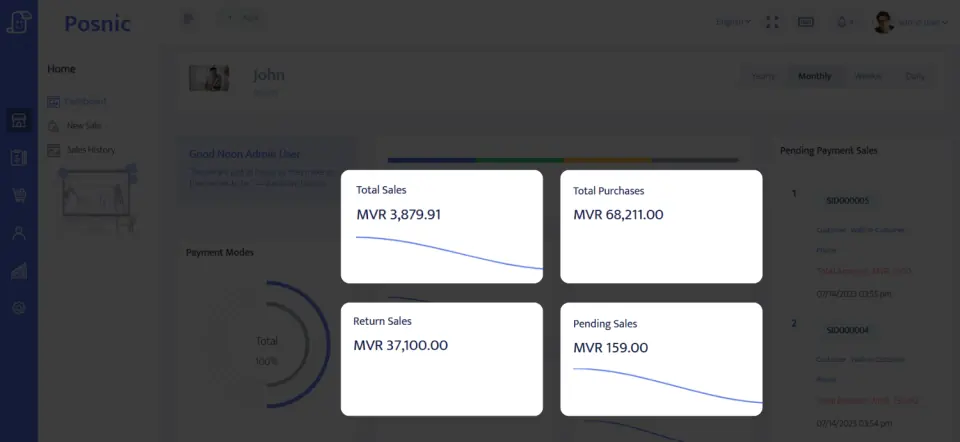
Reviews sales, balances, package liability, delivered lessons, no-shows, instructor work, vehicle use, test slots, refunds and failed payments.
Product evidence to inspect
Mistakes to avoid
Avoid these during rollout
- Treating a booking, package redemption or delivered lesson as proof that payment settled.
- Selling packages without expiry, transfer, remaining-lesson and cancellation rules.
- Promising the same instructor or vehicle to overlapping lessons or test slots.
- Changing instructors, vehicles, times or no-show outcomes without a retained reason and approver.
- Mixing lessons, deposits, test-day vehicle hire, external fees and retail stock into one generic item.
- Putting licence references, progress notes, pickup addresses or payment notes on receipts or broad exports.
- Importing real learner lists before a disposable restore and export test passes.
- Buying booking or reminder tools before the front-desk and resource-assignment workflow is accepted.
Use the blank driving school POS acceptance record
The CSV keeps 24 controls blank until the exact school workflow is tested. It covers learner accounts, lesson packages, deposits, bookings, instructor and vehicle assignment, test slots, no-shows, failed payments, refunds, reconciliation, backup and owner approval.
Primary sources used
Current Posnic stable release
Stable package boundary used for product review and download references.
Pinned Posnic source tree
Exact archived source commit used so product-boundary statements do not drift with later work.
Pinned customer model
Customer identity, address, balance and payment-term fields relevant to learner or payer accounts.
Pinned sale model
Sale fields relevant to lessons, packages, deposits, test-day fees, tenders, refunds and balance testing.
Pinned item model
Item, SKU, barcode, quantity, price, tax and stock fields relevant to lesson products and approved retail goods.
PCI SSC merchant process
Official merchant guidance for payment responsibilities. It is used as a payment-scope reference, not a Posnic certification.
Related Posnic pages
Questions
Is driving school POS the same as scheduling software?
No. A driving school may need a calendar, learner portal, regulator connection and instructor app, while POS controls collected money, lesson products, package balances, refunds and reconciliation. Test the boundary before connecting systems.
Should a booked lesson count as collected revenue?
No. Booking, payment, package redemption and lesson delivery are separate states. A future booking is a promise, not proof that money settled or a lesson was delivered.
How should test slots and test-day vehicle fees be handled?
Keep the authority reference, date, learner, instructor, vehicle, fee components, payment state, cancellation rule and refund state together. Do not hide a scarce test-slot promise inside a generic lesson item.
How should vehicle and instructor conflicts be controlled?
Assign both resources to every road lesson and test slot, then block or flag overlapping bookings, leave, maintenance, inspections and licence-category mismatches.
What should the owner reconcile?
Collected sales, outstanding balances, unused package lessons, delivered lessons, no-shows, instructor work, vehicle use, test-slot obligations, refunds, reversals and failed payments.
Where does Posnic fit in this workflow?
Archived Posnic evidence can be evaluated for learner accounts, sale lines, payment labels, stock history and reports. It does not prove complete scheduling, vehicle compliance, regulator integration, instructor payroll or a live driving-school rollout.
Where Posnic fits
Posnic Community Edition can be evaluated for front-desk billing, learner or payer accounts, lesson products, packages, deposits, payment labels, retail stock and owner reports. Keep resource scheduling, route planning, instructor payroll, vehicle compliance, regulator integration, learner portals and automatic reminders outside the accepted scope until the exact workflow passes the blank record. Posnic Cloud helps only when the school needs remote dashboard access, managed backup, multi-outlet visibility or scoped custom work.