POS operations guide
Catering company event-order, headcount, deposit and final-balance POS workflow
An event order joins a changing guest count and menu with production obligations, delivery timing, equipment, staff and staged money. Keep enquiry, accepted quote, deposit, guaranteed count, production quantity, change order, dispatch, service, final balance, cancellation and refund separate.
Evidence and review scope
Evidence reviewed 2026-09-05. Reviewed the current Posnic stable release boundary and archived customer, sale and item models.
Stable release: v1.9.0, source commit 567a176. This page does not establish a live catering deployment, event calendar, signed contract, recipe, production plan, allergen control, temperature record, alcohol licence, staffing roster, delivery proof, payment settlement or accepted event. Evidence remains pinned to an archived source snapshot.
What the current evidence establishes
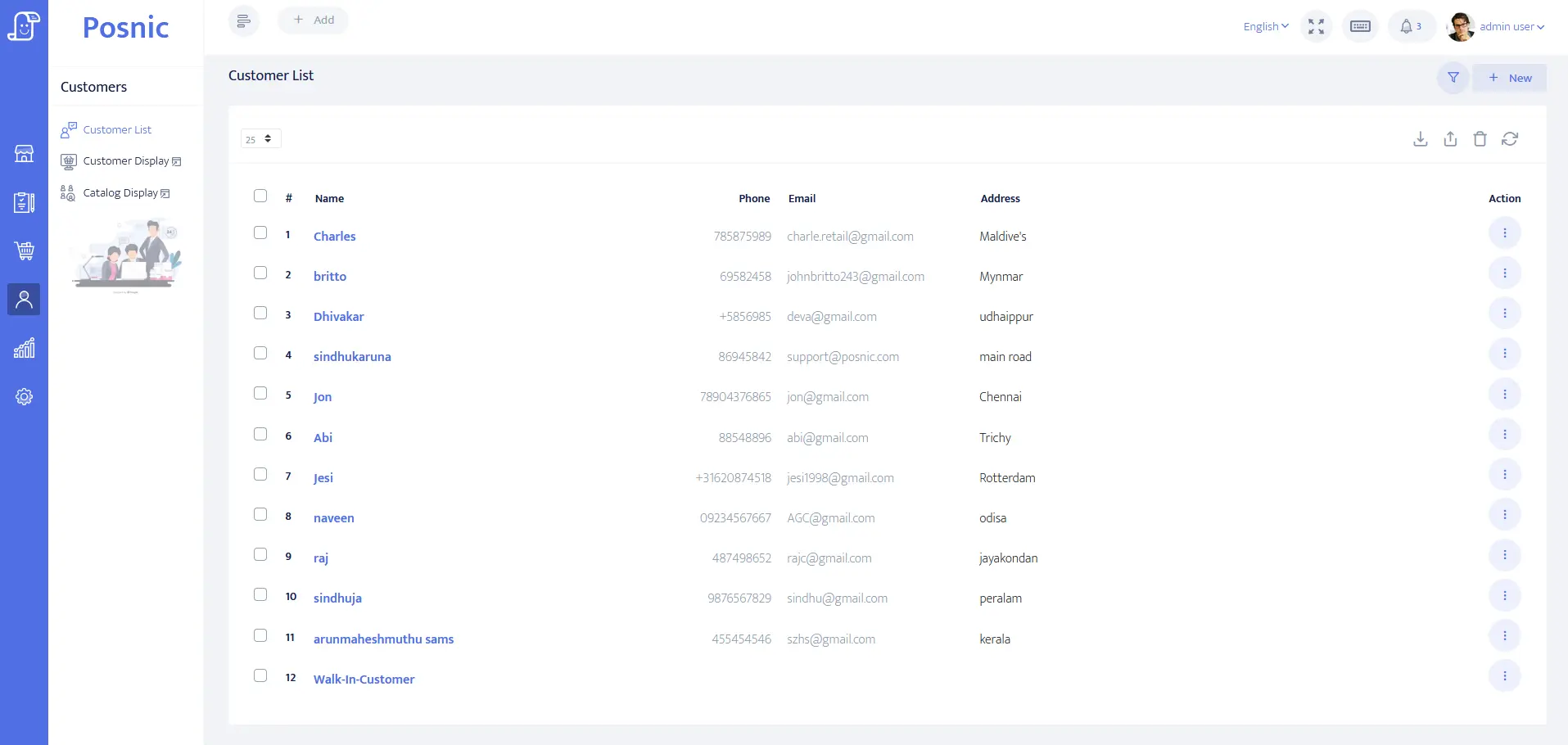
Client account evidence exists
Customer identity, balance and payment-term fields can be evaluated for organisers or company accounts. They do not prove authority, guest consent or venue access.
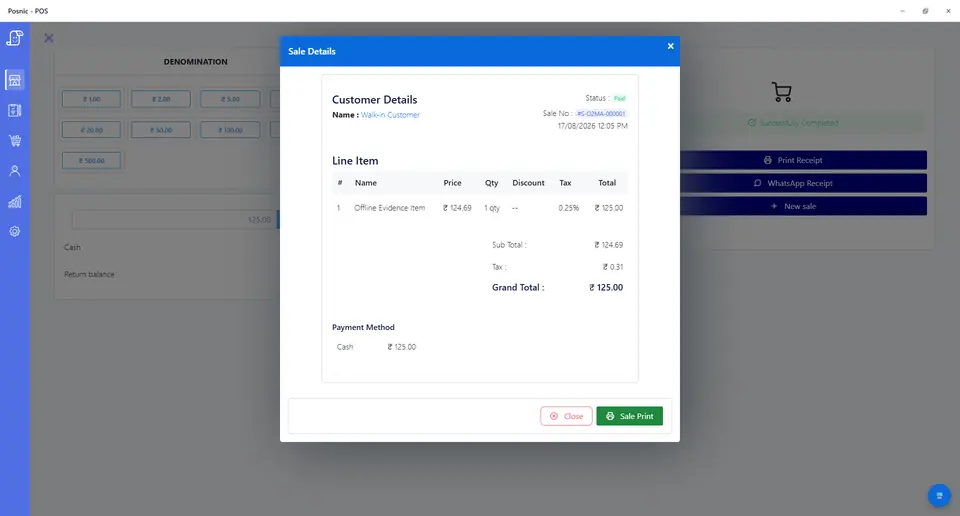
Sale and payment records exist
Sale lines can model menu packages, deposits, staffing, equipment, delivery, tenders, credits and refunds. They do not prove settlement or service completion.
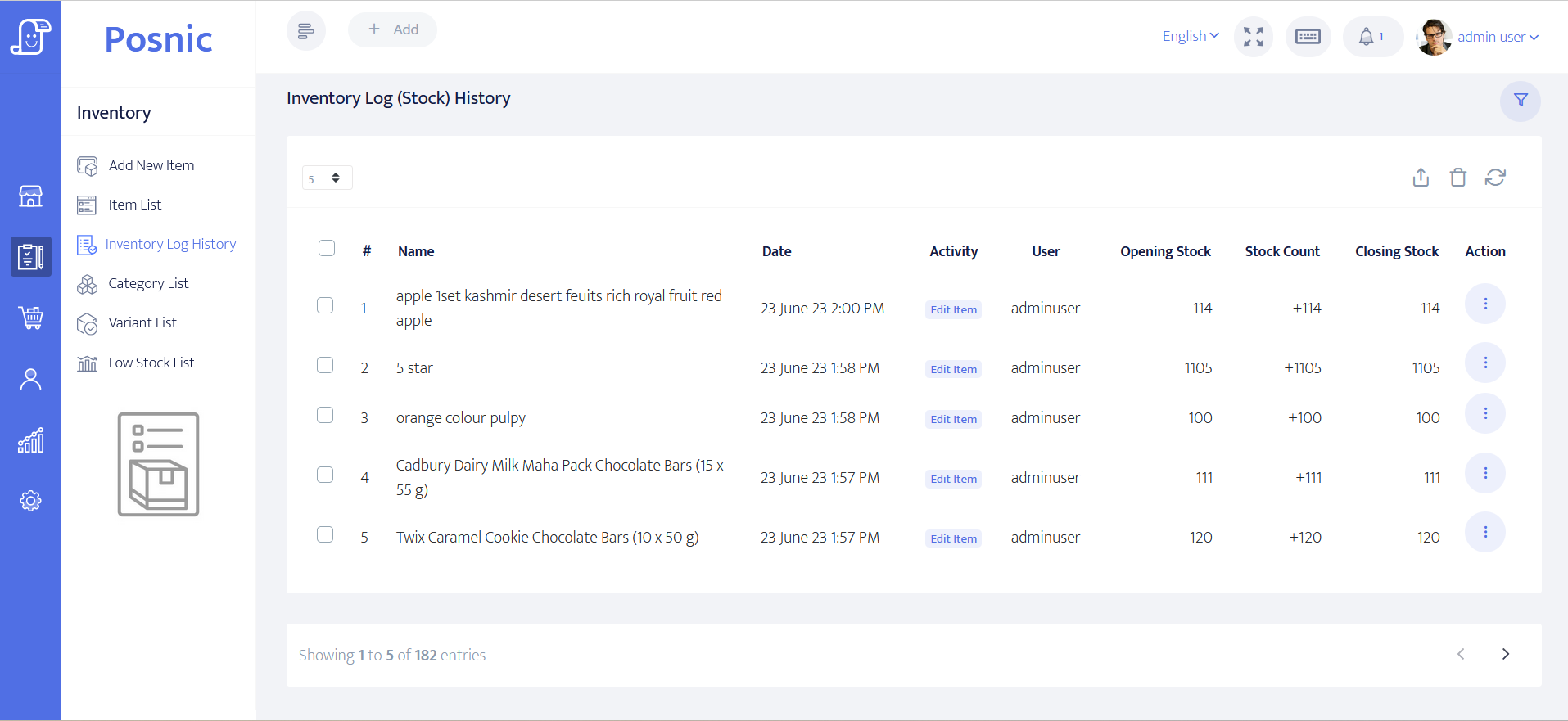
Stock evidence exists
Item and stock-history paths can be inspected for ingredients, beverages, disposables and retail goods. Recipes, batch yield, allergens, temperatures and waste need separate controls.
Food safety remains operational
Food handling, traceability, licences, alcohol service, vehicles, insurance, tax and privacy duties require qualified owner review.
Catering company POS controls before rollout
An estimate is not a guaranteed headcount, a deposit is not final settlement, and an invoice is not proof that food was safely produced, delivered and served.
| Area | Record to keep | Why it matters | Acceptance check |
|---|---|---|---|
| Client | Organiser, contracting party, payer, billing fields, contact permission and balance. | The right party must approve scope and payment. | Guest and private notes stay off receipts. |
| Quote | Event, venue, menu, estimated count, staff, equipment, delivery, price and version. | One generic catering item hides obligations. | Accepted version remains identifiable. |
| Deposit | Amount, due date, tender, cancellation treatment and original receipt. | A deposit confirms only the agreed payment step. | Deposit and final balance reconcile. |
| Headcount | Estimate, guaranteed minimum, cut-off, final groups, rate and approval. | Food, labour and price change with count. | Old and final counts remain auditable. |
| Menu package | Courses, portions, service style, dietary reference, inclusions, price and tax. | Billing does not replace recipe or allergen controls. | Receipt matches accepted commercial scope. |
| Production boundary | Accepted count, portion or batch quantity, owner, status and exception reference. | Kitchen obligations must trace to the order. | POS is not presented as a food-safety log. |
| Staff and equipment | Roles, hours, rates, rentals, deposits, custody, return and owners. | Charges and operational responsibility differ. | External boundaries are visible. |
| Delivery and service | Dispatch, arrival, setup, service, cleanup, pickup and handback states. | Payment does not prove delivery. | Exceptions do not overwrite sale history. |
| Change order | Old scope, new scope, cost, client price, reason, date and approver. | Late changes create disputes and waste. | History is retained, not overwritten. |
| Final balance | Deposits, instalments, credits, failures, final tender and outstanding amount. | Order value and collections must agree. | Every receipt traces to accepted value. |
| Cancellation | Notice, contractual tier, committed cost, retained amount, credit, refund and owner. | Production timing changes exposure. | Every value movement remains visible. |
| Owner review | Sales, balances, future events, production obligations, rentals, refunds and failures. | Cash and catering promises diverge. | Money and obligations close together. |
Practical workflow
Version commercial scope
Retain every quote and approved change to menu, count, staffing, equipment, timing and price.
Freeze the guaranteed count
Record the cut-off, minimum, final approved groups and treatment of later additions or reductions.
Separate billing from production
Trace quantities from the order without pretending receipts replace recipes, allergens, temperatures or dispatch checks.
Close obligations with money
Review tenders beside future events, production status, equipment returns, exceptions, credits, refunds and failures.
Catering enquiry-to-close flow
Build the quote
Capture client, event, menu, estimate, venue, service and timing.
Confirm and collect
Accept scope, deposit, milestones and cancellation terms.
Freeze the count
Approve guaranteed guests, pricing groups and production quantity.
Deliver and record
Track dispatch, setup, service, cleanup, pickup and exceptions.
Settle and reconcile
Close final balance, equipment, overages, credits, refunds and owner reports.
Hardware, software and data setup
Hardware
- Office computer or tablet and quote or receipt printer.
- Kitchen or dispatch device only after hygiene and fallback review.
- Event terminal only after network and offline fallback are accepted.
- Payment terminal without storing card data in POS.
- Off-device backup for client, event, payment and adjustment records.
Software and data
- Client accounts with minimum necessary billing and contact data.
- Menu packages, deposits, staffing, equipment, delivery, credits and refund items.
- Separate enquiry, quote, confirmed, production, dispatch, service and close states.
- Reports for balances, future events, deposits, stock, refunds and failures.
- Export and restore workflow before real catering data is imported.
Setup sequence
- Write quote, deposit, headcount, change, production, cancellation, credit and refund rules.
- Create synthetic clients, menus, service styles, staff, equipment and payment labels.
- Quote and revise one event before accepting the final version.
- Collect a deposit and milestone without marking the event delivered.
- Move estimate to guaranteed count and record the production quantity boundary.
- Test late additions, reductions, substitutions, failed payment and cancellation.
- Complete one event with delivery exception, equipment return and final balance.
- Reconcile sales, tenders, stock, future obligations, credits and refunds.
- Back up and restore records, then obtain operations, finance, food-safety, payment, privacy and local approval.
Product evidence to inspect
Mistakes to avoid
- Treating an enquiry or unaccepted quote as a confirmed food order.
- Using estimated guests as the final bill or production quantity without approval.
- Overwriting menu, count, timing or price changes.
- Recording deposits as ordinary earned event revenue.
- Using POS billing as proof of recipes, allergens, temperatures, licences or delivery.
- Putting dietary or private guest details on receipts.
- Importing real catering data before backup and restore pass.
Use the blank catering company POS acceptance record
The CSV keeps 24 controls blank until the exact workflow is tested, including quote versions, deposits, headcounts, menus, production boundaries, staffing, delivery, final balances, cancellations, refunds and restore.
Primary sources used
Current stable release
Pinned source tree
Customer model
Sale model
Item model
PCI SSC merchant process
Questions
Is catering POS the same as catering management software?
No. Scheduling, recipes, production, allergens, temperatures, dispatch, staffing and food safety need separate controls.
Should estimated headcount drive the final invoice?
Not automatically. Retain estimate, minimum, cut-off, final groups, rate and approval.
How should catering deposits be recorded?
Link deposits, milestones, credits, failures and final balance to the accepted order value.
Can a POS receipt prove food safety?
No. Billing can reference menu and quantity, but qualified safety records remain separate.
Where does Posnic fit?
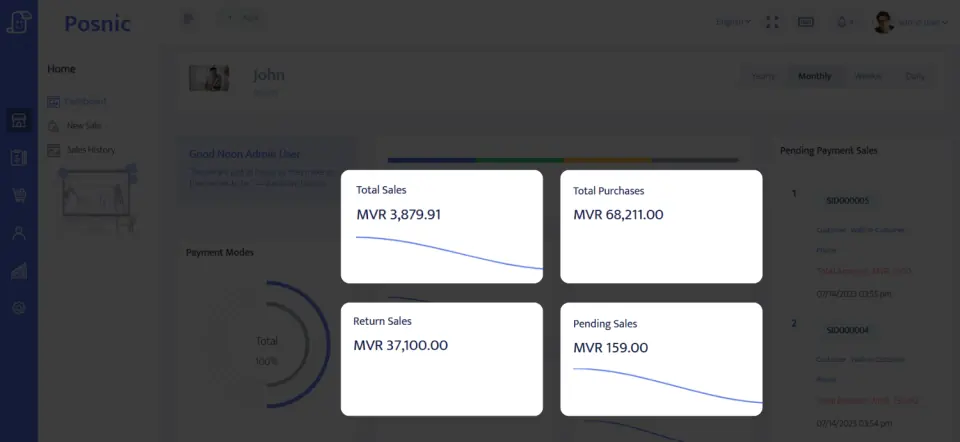
Archived evidence can be evaluated for accounts, sale lines, payments, stock and reports. It does not prove production, safety, delivery, settlement or a live rollout.
Where Posnic fits
Posnic Community Edition can be evaluated for catering-office billing, client accounts, menu and service items, deposits, payment labels, ingredient or supply stock, credits and reports. Keep event scheduling, recipes, batch production, allergens, temperatures, licences, dispatch and staffing outside scope until the workflow passes the blank record. Posnic Cloud helps only when the caterer needs remote dashboard access, managed backup, multi-kitchen visibility or scoped custom work.