Pet grooming POS workflow
Pet grooming appointment and package billing workflow for POS
A grooming counter is not just a normal product checkout. It has appointment time, pet identity, service scope, package balance, retail add-ons, deposits, pickup payment and owner approval. Treat those as connected records so a busy groomer does not lose money or customer trust.
Evidence and review scope
Reviewed 2026-09-01. This page is for pet grooming salons, pet shops with grooming desks, pet spas and small boarding counters that also sell retail items. It describes the workflow an owner should test before trusting a POS setup.
Stable release: v1.9.0. Product boundary is pinned to the archived source snapshot. No complete grooming calendar, pet profile, package ledger, animal-care intake, automatic reminder, staff commission or boarding workflow was accepted from that evidence.
Appointment status needs a money state
Booking
Record the customer, pet, service type, coat condition, estimated time, staff member and price range. If the price can change after inspection, say that before accepting the slot.
Deposit
A deposit should be linked to the appointment, not held as a loose note. The record should say whether it is refundable, transferable or applied to pickup payment.
Check-in
Confirm pet identity, service scope, contact number, pickup window and any owner-approved notes. Avoid entering sensitive health details unless the business has a clear consent and retention rule.
In service
Staff should be able to see the booked service, add approved extras and mark exceptions without overwriting the original booking or package balance.
Ready for pickup
The final bill should show service, retail add-ons, package redemption, deposit already collected and amount still due. Pickup should not depend on memory.
No-show or cancel
Keep a named state for no-show, customer cancel, shop cancel and reschedule. Those states affect deposits, staff time, package value and future reminders.
Pet grooming packages are not just discounts
Many grooming businesses sell prepaid baths, monthly care plans, puppy packages, senior pet packages or loyalty offers. A good checkout record separates the package sale from each future service visit.
| Area | Record to keep | Why it matters | Acceptance check |
|---|---|---|---|
| Package sale | Package ID, customer, pet, included sessions, price, expiry and refund rule. | Prepaid value must not disappear inside one discounted bill. | Remaining value is visible after sale. |
| Package redemption | Appointment, service used, staff member and balance after use. | Stops overuse, missed deductions and arguments at pickup. | Every redemption points back to the package. |
| Extra service | Add-on approval, price and reason. | Deshedding, medicated shampoo or dematting may change price and time. | Extras require owner or customer acceptance. |
| Retail add-on | SKU, quantity, stock movement and tax treatment. | Shampoo, treats and food should still behave like inventory. | Service income and retail stock reports stay separate. |
| Deposit or advance | Amount, method, date, appointment reference and rule. | Protects both customer and business when bookings change. | Deposit reconciles to pickup, refund or cancellation. |
| Reminder | Consent, channel, timing and message purpose. | Repeat visits are useful, but reminders need permission and control. | Staff can show why the customer was contacted. |
| Pickup close | Completed service, final payment, package change, retail add-ons and unresolved note. | The end state must reconcile money, service and customer expectation. | Daily close catches unpaid pickup and package exceptions. |
A safe setup sequence
- Create synthetic customers and pets before entering real owner or pet details.
- Define appointment states: booked, confirmed, checked in, in service, ready, picked up, cancelled and no-show.
- Create service items for bath, haircut, nail trim, dematting, tick treatment and add-on products without mixing them with stocked inventory.
- Sell one prepaid package and redeem it across multiple visits while preserving the original package sale.
- Take one deposit, cancel one booking, reschedule one booking and refund or retain the deposit according to the approved rule.
- Sell shampoo, food or treats at pickup and confirm retail stock moves while service revenue remains separate.
- Record one price change after pet inspection and keep the customer approval trail.
- Close the day by matching appointments, services, deposits, refunds, package balances, retail stock and payment totals.
Controls the owner should accept
Appointment and service controls
- Every appointment has a customer, pet, service, time, price expectation and staff owner.
- Check-in notes do not overwrite the booked service or quoted price.
- Extras, dematting fees and late pickup charges require approval evidence.
- Cancelled, no-show and shop-cancelled bookings stay reportable.
- Pickup cannot close while the bill, package balance or deposit state is unresolved.
Package, retail and reporting controls
- Package sale and package usage are separate records.
- Remaining sessions, expiry and refund rules are visible to staff.
- Retail add-ons update stock and stay separate from service revenue.
- Reminders only use approved contact purpose, timing and channel.
- Day close reconciles appointments, payments, package value, refunds and retail stock changes.
Product evidence to inspect
Use the blank acceptance record
Download the 22-control pet grooming acceptance record and keep the outcome columns blank until the exact installed workflow is tested. It covers bookings, deposits, package sales, redemptions, price changes, retail add-ons, reminders, refunds and day close.
Primary sources used
Pinned Posnic item model
Item identity, barcode, SKU, supplier, quantity, price, tax, unit and tracked-stock fields.
Pinned Posnic sale model
Sale-line quantity, customer, payment, balance and stock-related fields.
Pinned Posnic customer model
Customer address, balance, credit and payment-term fields relevant to repeat-service buyers.
GS1 GTIN management rules
Official product-identity rules for packaged retail items such as food, treats and grooming products.
PCI SSC merchant process
Official merchant guidance for payment-account data and validated payment solutions.
Questions
Is pet grooming POS the same as pet shop POS?
No. Pet shop POS focuses on products, stock and repeat retail sales. Grooming adds appointment time, pet identity, service scope, package use, intake notes and pickup settlement.
What should a grooming appointment record contain?
Record customer, pet, service, scheduled time, staff member, price estimate, deposit, contact preference, intake notes, pickup state and final payment.
How should grooming packages be billed?
Keep package sale, package balance and each redeemed session separate. A discount on a bill is not enough evidence that remaining package value is correct.
Should pet notes be stored in POS?
Store only useful operational notes with consent and a retention rule. Sensitive animal-health or owner information should not be casually entered into a retail POS note field.
How should no-shows and cancellations be handled?
Use named statuses and rules for deposit retention, refund, reschedule and staff time. Do not delete the booking if money, package balance or staff capacity was affected.
Can retail add-ons be sold with grooming pickup?
Yes. Shampoo, food, treats and accessories can be sold with pickup, but service revenue and stocked retail items should remain separate for reports and replenishment.
What should be checked at day close?
Match completed appointments, deposits, package redemptions, retail add-ons, refunds, cash, online payments, staff exceptions and unresolved pickup or balance cases.
Where does Posnic fit in this workflow?
Archived Posnic evidence supports item setup, sale lines, customer records, partial payments, stock history and reports. It does not prove a complete appointment calendar, pet-care intake, package-ledger or reminder workflow.
Where Posnic fits
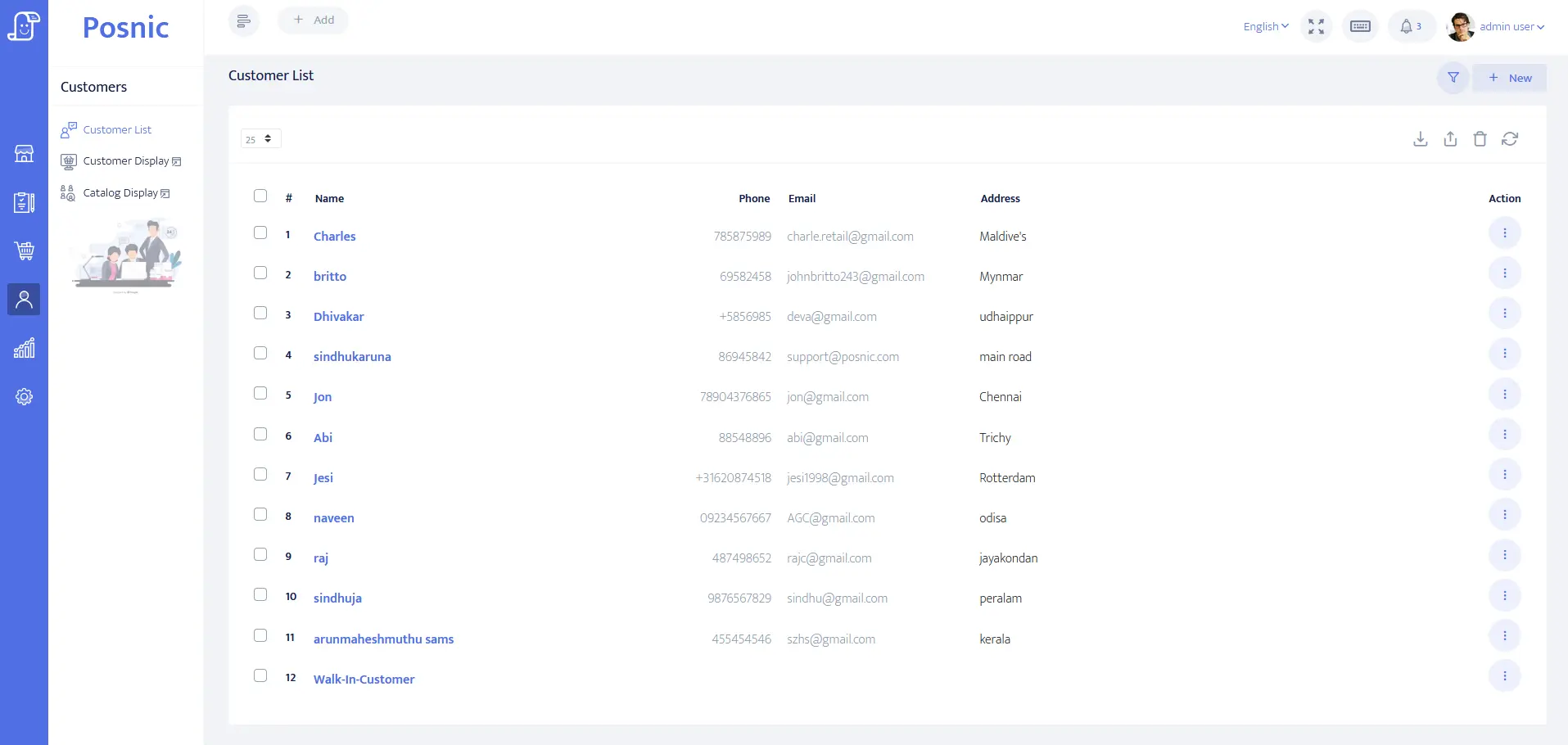
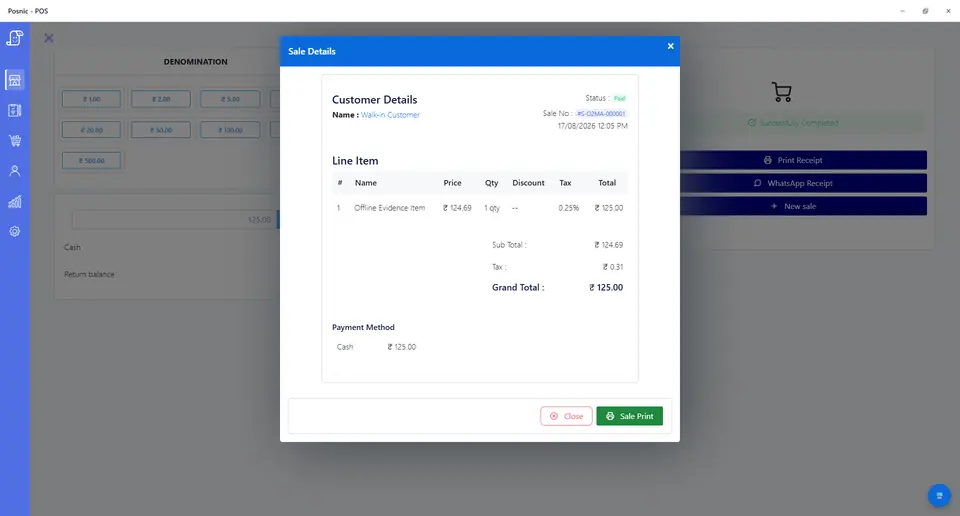
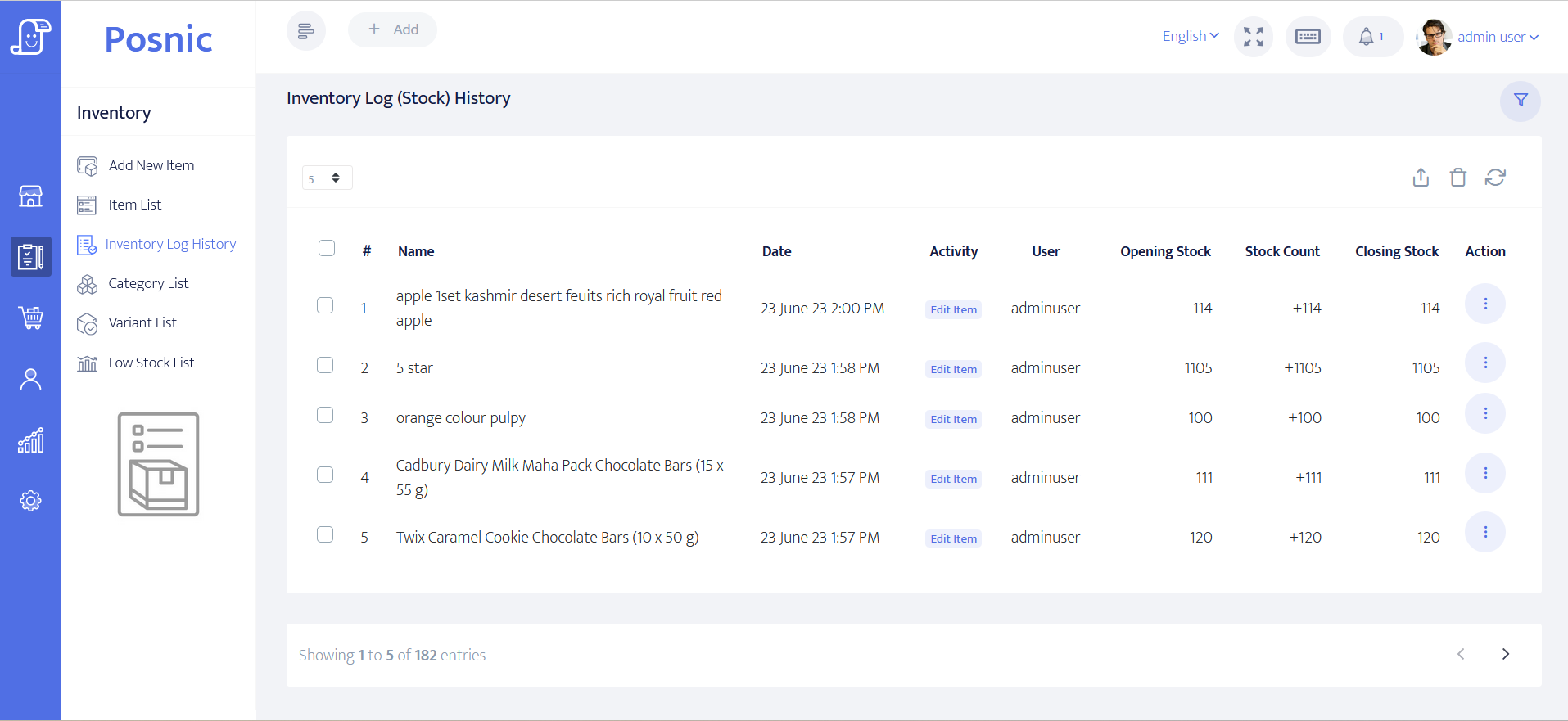
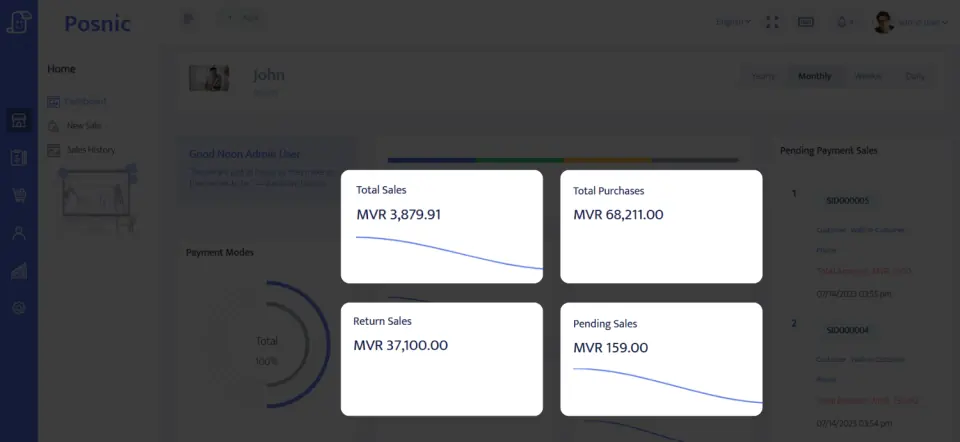
Posnic Community Edition can be evaluated for service items, retail items, customer records, payment tracking, stock history and reports. Keep appointment calendars, pet-specific intake, package ledgers, reminder consent and staff commission rules outside POS until the exact workflow passes your acceptance record.
Download Community Edition/Ask for scoped implementation help/Download the acceptance record