POS operations guide
Coworking space desk-pass, meeting-room and deposit POS workflow
A coworking desk sells time, capacity and access promises. Keep day passes, memberships, dedicated desks, room reservations, deposits, add-ons, payment proof, cancellations and refunds explainable without pretending the till is a complete workspace-management or door-access system.
Evidence and review scope
Evidence reviewed 2026-09-04. Reviewed the current Posnic stable release boundary and archived customer, sale and item models.
Stable release: v1.9.0, source commit 567a176. This page does not establish a live coworking deployment, booking calendar, access-control integration, recurring-payment engine, identity check, contract system, tax treatment or accepted pilot. Evidence remains pinned to an archived source snapshot.
What the current evidence establishes
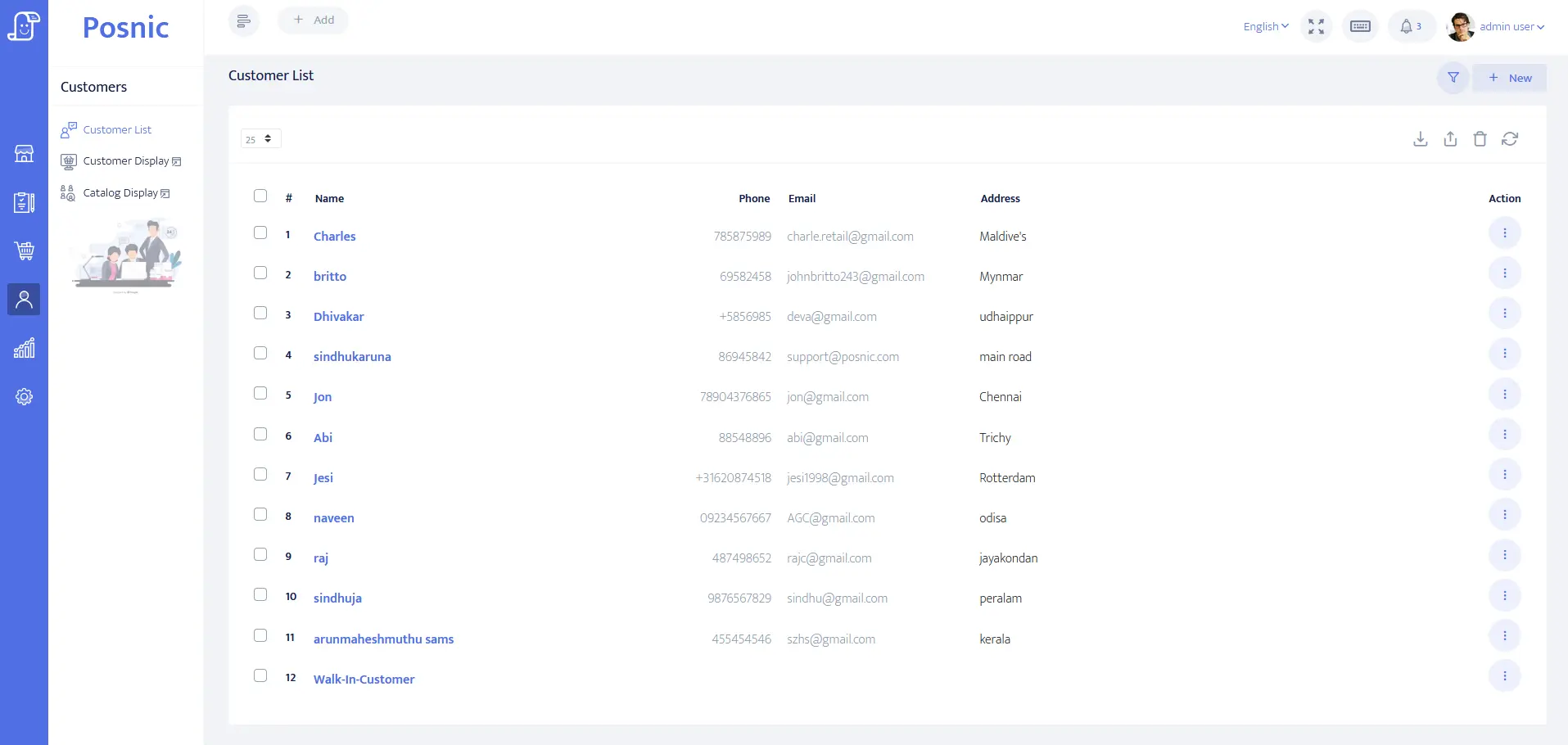
Member account evidence exists
Customer identity, balance and payment-term fields can be evaluated for member or company accounts. They do not prove identity verification, signed terms, door permissions or privacy compliance.
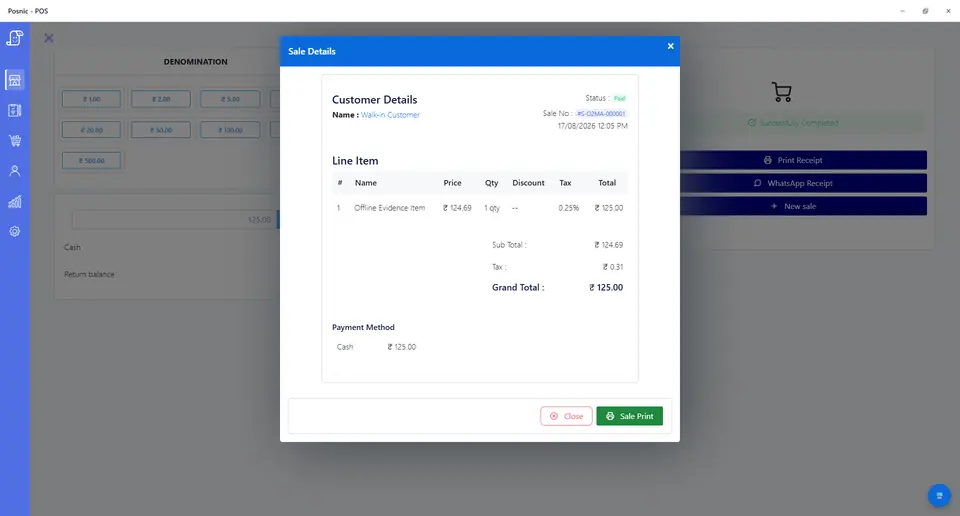
Sale and payment records exist
Sale lines can model passes, memberships, room fees, deposits, add-ons, tenders and balances. They do not prove room availability, recurring collection or payment settlement.
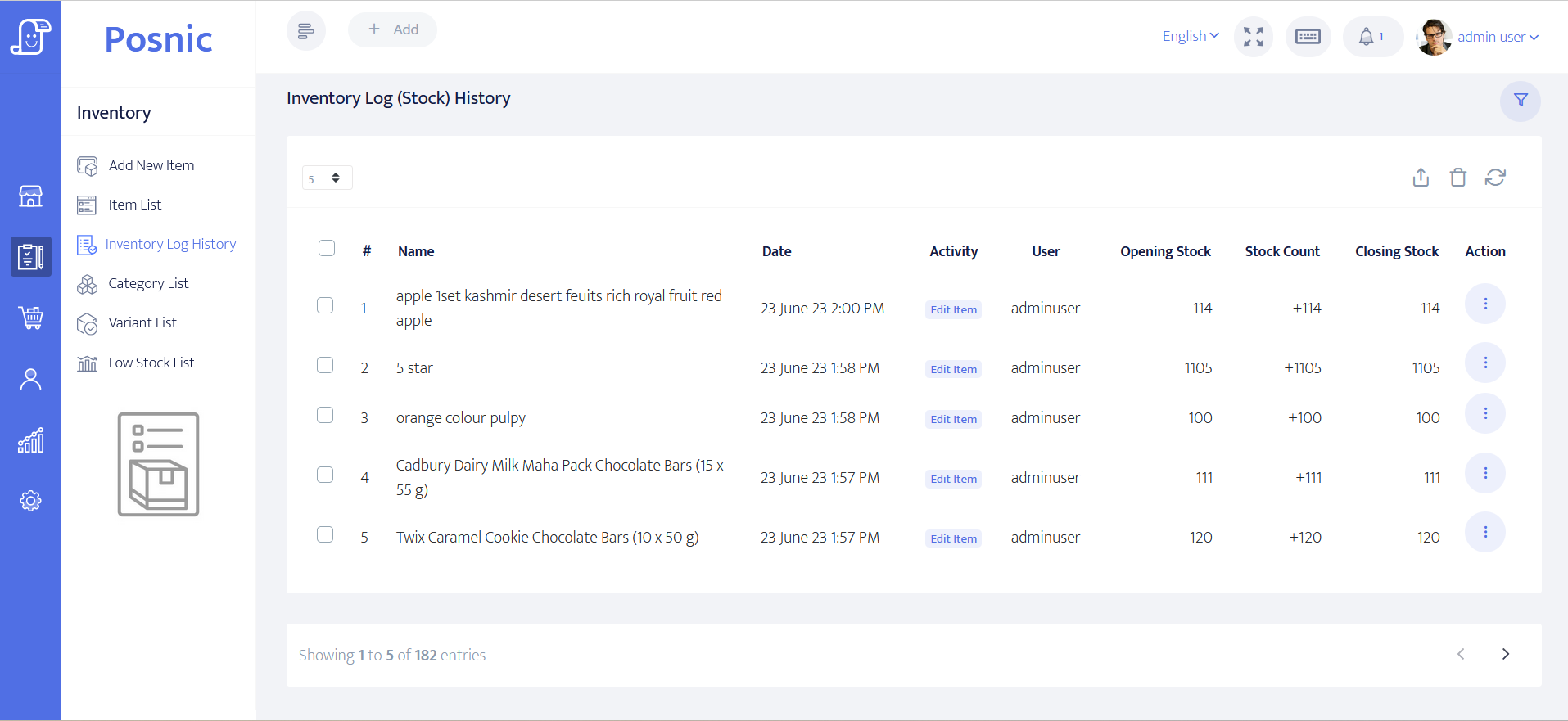
Retail stock evidence exists
Item and stock-history paths can be inspected for beverages, cables, stationery and other approved goods. Desk hours, room hours and deposits need distinct operational controls.
Access and scheduling remain separate
Capacity, opening hours, visitor policy, emergency access, credential security and local contract, tax and privacy duties require owner acceptance outside POS evidence.
Coworking space POS controls before rollout
Keep money, future access and actual workspace use separate so staff can answer what was sold, what remains available and what must be refunded.
| Area | Record to keep | Why it matters | Acceptance check |
|---|---|---|---|
| Member profile | Person or company, payer, contact permission, duplicate check and balance. | Reception needs the right account without exposing private notes. | Member is found and billed with minimum necessary data. |
| Day and hot-desk pass | Site, date, hours, access window, price, tax and use state. | A pass is a dated promise, not generic stock. | Unused, active, expired and refunded passes remain distinct. |
| Dedicated desk | Desk reference, start, end, member, rate, deposit and handover state. | One desk cannot be promised twice. | Overlap is blocked or clearly flagged. |
| Membership | Plan, allowance, start, renewal date, pause, cancellation and balance. | A sale line alone does not automate recurring obligations. | Renewal and collection states are independently visible. |
| Meeting room | Room, capacity, start, duration, organiser, equipment and booking state. | Room capacity and time are scarce resources. | Overlaps and capacity exceptions are blocked or approved. |
| Deposit | Purpose, amount, payer, held date, return state, deduction and refund. | Deposits held are not ordinary earned revenue. | Every refund or deduction traces to the original receipt. |
| Access credential | Card or key reference, issue, holder, deposit, disabled and returned states. | Lost credentials create security and refund questions. | No access secret appears on a receipt or broad export. |
| Visitors and guests | Host, permitted window, charge, acknowledgement and access boundary. | Guest fees should not silently create unrestricted access. | Host and billing record remain searchable. |
| Add-ons | Printing, locker, mail handling, parking, refreshments or equipment. | Usage and physical stock have different controls. | Add-ons reconcile separately from workspace time. |
| Payment proof | Cash, card, transfer, wallet, failed attempt, reversal and balance due. | A booking is not proof that funds settled. | Tenders and outstanding balances reconcile before close. |
| Cancellation | Notice window, fee, retained credit, refund, reason and approver. | Informal exceptions create disputes and leakage. | Original booking and each value change remain intact. |
| Owner review | Sales, balances, future obligations, room use, deposits, refunds and failures. | Cash and promised capacity diverge when reviewed separately. | Owner reconciles money, use and remaining promises together. |
Practical workflow
Quote availability before collecting
Confirm site, desk or room, date, duration, capacity and included services. Record an expiry when holding scarce capacity.
Separate reservation, payment and use
A room can be reserved before payment, paid and later cancelled, or used against an allowance. Preserve each state.
Keep deposits refundable and traceable
Link each access-card, key or damage deposit to its payer and original receipt, then record return, deduction, refund and approval.
Close money and obligations together
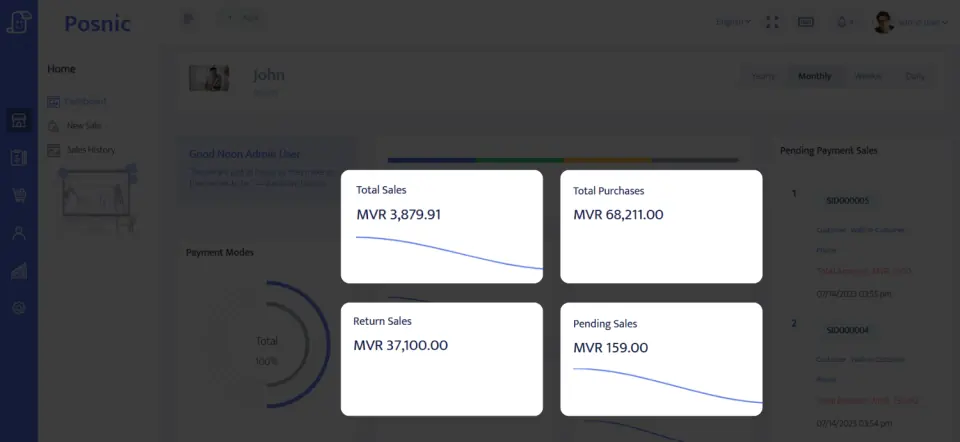
Review tenders beside balances, upcoming bookings, unused allowances, deposits held, refunds, reversals and failed payments.
Coworking sale-to-access flow
Create member
Capture the payer, contact permission and billing fields needed for the accepted workflow.
Select pass or resource
Choose the site, desk, room, dates, capacity, allowance and add-ons.
Record money and deposit
Keep tenders, outstanding balance and refundable deposits distinct.
Issue accepted access
Connect the booking to a credential reference without storing door secrets in POS.
Reconcile and close
Compare collected money, workspace use, remaining promises, deposits and exceptions.
Hardware, software and data setup
Hardware
- Reception computer or tablet and a receipt printer.
- Cash drawer or counted cash box where cash is accepted.
- Barcode scanner only for labelled retail goods.
- Credential encoder or door controller only after its separate integration and fallback are accepted.
- Off-device backup for member, sale, deposit and reconciliation records.
Software and data
- Member and company payer accounts with minimum necessary data.
- Pass, membership, room, deposit, add-on, retail, refund and credit items.
- Separate reservation, collection, use, cancellation and refund states.
- Reports for balances, deposits held, room use, obligations, refunds and reversals.
- Export and restore workflow before importing real member lists.
Setup sequence
- Write pass, membership, room, deposit, cancellation, guest and refund rules.
- Create synthetic members, companies, desks, rooms and credentials.
- Sell a day pass, membership, dedicated desk and meeting-room booking with distinct dates and balances.
- Attempt overlapping desk and room reservations and a capacity exception.
- Issue and return a credential; prove deposit refund and approved deduction paths.
- Test a failed payment, reversal, cancellation, retained credit and refund.
- Reconcile tenders, balances, future obligations, use, deposits and exceptions.
- Back up and restore all synthetic records on a clean setup.
- Approve a pilot only after operations, finance, privacy, payment, access-security and local owners sign off.
Product evidence to inspect
Mistakes to avoid
- Treating a reservation, access event or recurring invoice as proof that payment settled.
- Promising one desk or room to overlapping bookings.
- Recording refundable deposits as ordinary sales without a liability trail.
- Mixing passes, membership, room time, deposits and retail into one generic item.
- Putting door codes, identity documents or private member notes on receipts.
- Changing cancellations, refunds or credits without a retained reason and approver.
- Importing real member data before a disposable backup-and-restore test passes.
Use the blank coworking space POS acceptance record
The CSV keeps 24 controls blank until the exact site workflow is tested, including passes, memberships, rooms, deposits, credentials, payments, refunds, reconciliation and restore.
Primary sources used
Current stable release
Pinned source tree
Customer model
Sale model
Item model
PCI SSC merchant process
Questions
Is coworking POS the same as workspace management software?
No. POS records products, money, balances and refunds. Desk availability, room calendars, door access, contracts and recurring billing need separately accepted controls or connected systems.
Should a meeting-room booking count as collected revenue?
No. Reservation, deposit, final payment, room use and refund are separate states.
How should access-card deposits be handled?
Link the credential reference, amount, payer, issue date, return, deductions, refund and approver without exposing access secrets.
What should the owner reconcile?
Collected tenders, balances, pass and membership obligations, room use, deposits held, refunds, add-ons, cancellations, reversals and failed payments.
Where does Posnic fit?
Archived Posnic evidence can be evaluated for accounts, sale lines, payment labels, stock history and reports. It does not prove booking, access control, recurring billing or a live rollout.
Where Posnic fits
Posnic Community Edition can be evaluated for reception billing, member or company accounts, pass and room products, deposits, payment labels, retail stock and reports. Keep booking capacity, recurring collection, contracts, identity checks, access control and emergency access outside scope until the workflow passes the blank record. Posnic Cloud helps only when the operator needs remote dashboard access, managed backup, multi-site visibility or scoped custom work.