Car wash POS workflow
Car wash service bay token and package workflow for POS
A busy car wash is part queue, part service job, part prepaid package and part retail checkout. The POS workflow should connect token, bay, staff, package balance, add-on approval, payment and quality check without pretending every state is just one finished bill.
Evidence and review scope
Reviewed 2026-09-01. This page is for car wash owners, detailing shops, bike wash counters and fuel-station wash bays that need queue tokens, package billing, staff handoff and payment reconciliation.
Stable release: v1.9.0. Product boundary is pinned to the archived source snapshot. No complete car wash service-bay workflow, queue display, package ledger, quality-check workflow, staff commission, automatic membership renewal, payment-terminal result or production pilot day was accepted from that evidence.
Service bays need queue state and money state
Token issued
The counter gives the customer a token or job number before the vehicle reaches the bay. That token should point to the intended service and expected price, not only the order in the queue.
Bay assigned
Bay, staff member and service type should be visible together. A free bay is not useful if the wrong package, vehicle size or add-on needs a different worker or equipment.
Service started
Move the job from waiting to washing only when the staff member accepts it. This helps owners find long waits, abandoned vehicles and work started before payment approval.
Add-on approved
Interior vacuum, waxing, polishing, engine cleaning, stain removal and fragrance need a price and approval trail before the bill changes.
Ready to collect
The pickup state should show package redemption, deposit, final payment, add-ons and any unresolved quality note so staff do not rely on memory at the gate.
Redo or complaint
A redo should reference the original bill and service reason. Deleting the old token hides whether the issue was staff, package rule, payment, timing or customer expectation.
The records to keep around each token
Tokens are simple for customers, but the owner needs stronger internal records. Separate queue order, vehicle service, package balance and payment so the daily report can be trusted.
| Stage | Record to keep | Why it matters | Acceptance check |
|---|---|---|---|
| Counter intake | Token, customer choice, vehicle reference, service package and expected time. | Stops the first staff member from guessing what was promised. | Every open token has one visible service and owner. |
| Bay allocation | Bay, staff member, equipment need and queue position. | Shows whether delays come from counter billing, bay capacity or staffing. | Jobs cannot disappear between waiting and started states. |
| Package sale | Package ID, visits included, expiry, vehicle or customer rule and refund policy. | Prepaid value should not become an informal paper card with no ledger. | Remaining visits are visible after sale. |
| Package redemption | Token, service used, visit count before and after, staff member and date. | Prevents missed deductions and customer disputes. | Each redemption links back to the original package. |
| Add-on change | Add-on item, approval, price, staff owner and pickup impact. | Protects margin when the vehicle condition changes the work. | Final bill shows the approved add-on separately. |
| Retail sale | SKU, quantity, price, tax treatment and stock movement. | Microfiber cloths, fragrances and cleaning products should remain inventory. | Retail stock and service income stay separate. |
| Payment | Cash, card, wallet, bank transfer, deposit, refund and due amount. | Queue completion is not payment proof. | Daily tender totals match job and package changes. |
| Quality check | Ready state, approver, redo reason and final close decision. | Turns complaints into visible service records instead of lost time. | Redo and waived-charge cases remain reportable. |
| Day close | Tokens issued, services closed, open jobs, packages, add-ons, refunds and cash. | Shows whether the owner collected for the actual work delivered. | Unclosed tokens and unmatched payments have follow-up owners. |
A safe setup sequence
- Create synthetic cars, bikes and customers before entering real vehicle or phone details.
- Define token states: waiting, bay assigned, washing, quality check, ready, paid, redo, cancelled and closed.
- Create service items for exterior wash, interior cleaning, foam wash, waxing, polishing and detailing without mixing them with stocked retail items.
- Sell one prepaid package and redeem it across multiple tokens while preserving the original package sale.
- Record whether payment is collected before service, after pickup or split with a deposit.
- Assign two staff members and two bays so owner reports can expose capacity and commission boundaries.
- Add one approved extra service after inspection and keep the original service visible.
- Sell one retail product at pickup and confirm stock moves without changing service income.
- Create one redo case and one refund or waived-charge case without deleting the original bill.
- Close the day by matching tokens, bay states, packages, add-ons, refunds, retail stock and payment totals.
Controls the owner should accept
Queue and service controls
- Every token has one visible service package, vehicle reference, bay state and staff owner.
- Started, ready, paid, redo and cancelled states are reportable after close.
- Add-on services require price and approval evidence before pickup.
- Quality-check failures reference the original bill and final resolution.
- Unclosed tokens are reviewed before the counter cash is accepted.
Package, payment and stock controls
- Package sale and package redemption are separate records.
- Remaining visits, expiry, vehicle rule and refund rule are visible to staff.
- Retail add-ons update inventory and stay separate from service revenue.
- Deposits, partial payments, refunds and dues reconcile to the final bill.
- Day close matches service count, package value, tender totals and unresolved exceptions.
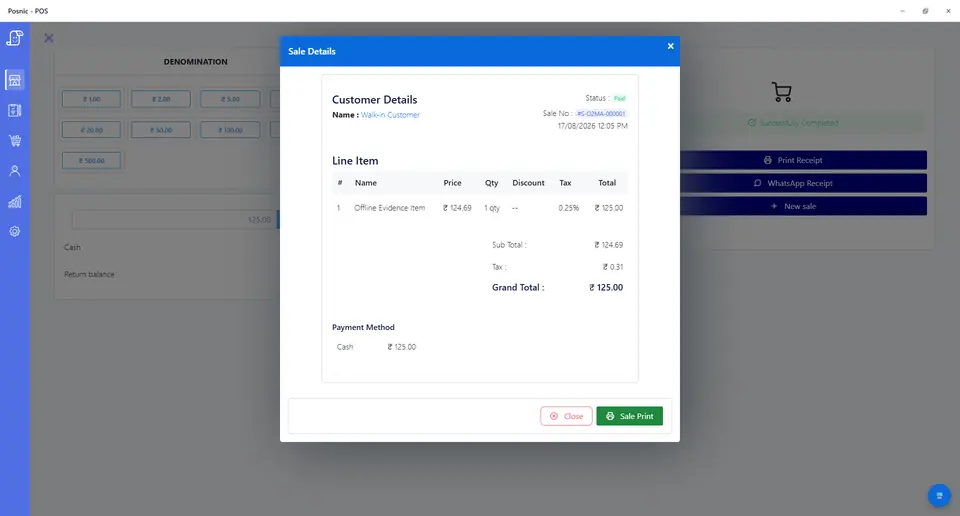
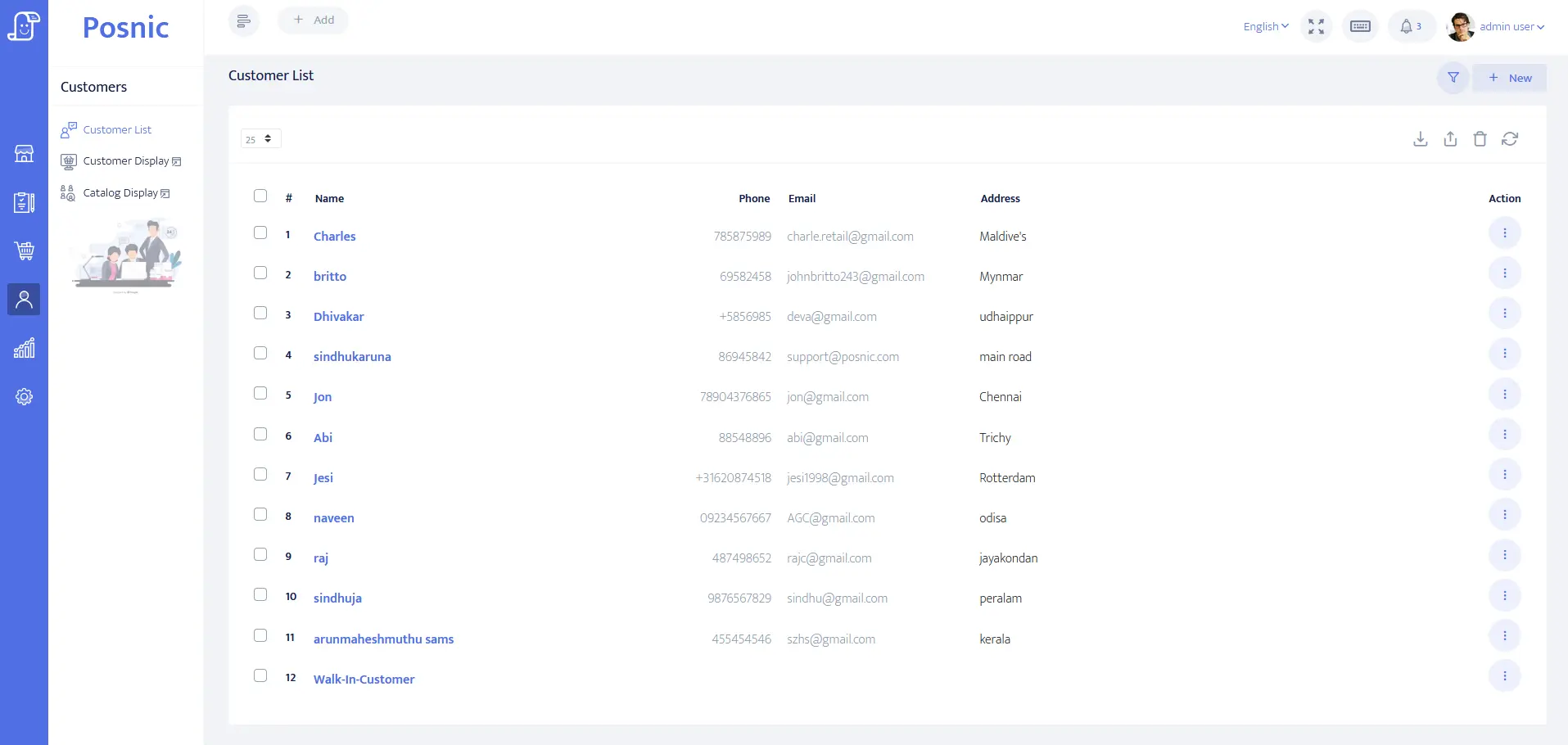
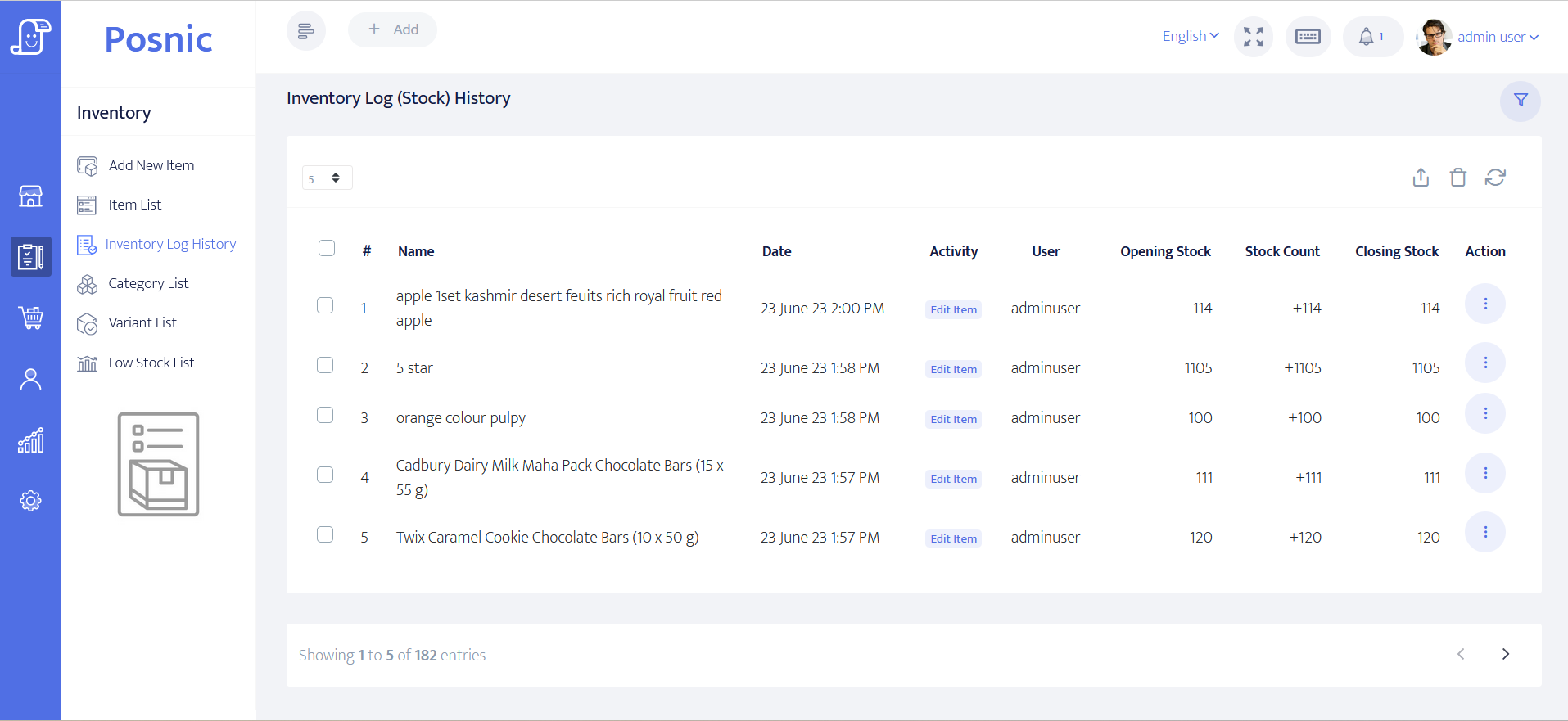
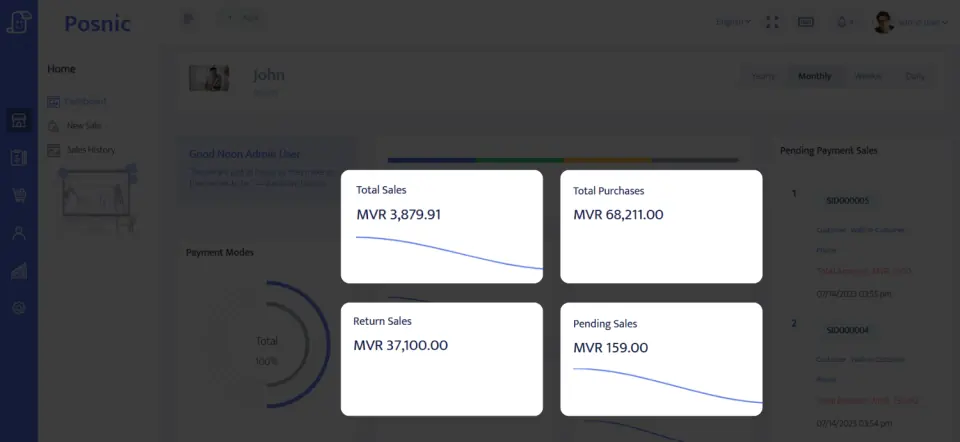
Product evidence to inspect
Use the blank acceptance record
Download the 22-control car wash acceptance record and keep observed results blank until the exact installed workflow is tested. It covers token issue, bay assignment, package sale, redemption, add-ons, payment, redo cases, retail stock and day close.
Primary sources used
Pinned Posnic item model
Item identity, barcode, SKU, supplier, quantity, price, tax, unit and tracked-stock fields.
Pinned Posnic sale model
Sale-line quantity plus customer, payment, balance and stock-related fields.
Pinned Posnic customer model
Customer address, balance, credit and payment-term fields relevant to repeat-service buyers.
GS1 GTIN management rules
Official product-identity rules for packaged retail items such as cleaning products and accessories.
PCI SSC merchant process
Official merchant guidance for payment-account data and validated payment solutions.
Questions
Is a car wash token the same as a paid invoice?
No. A token or queue number shows service order. The payment record must still prove what was sold, paid, refunded or owed.
How should service bays be tracked?
Give each bay a clear state such as waiting, assigned, washing, quality check, ready, redo or closed. The POS bill should point to the accepted bay or job reference.
How should prepaid wash packages be controlled?
Keep the package sale, remaining visits, expiry rule and every redemption separate. A discount line is not enough package evidence.
Should vehicle numbers be stored in POS?
Store only the minimum useful vehicle reference with an approved purpose and retention rule. Avoid turning a quick-service bill into an uncontrolled customer tracking database.
How are add-ons approved during a wash?
Extra polishing, interior cleaning, stain removal or detailing should show who approved the add-on, the price and whether it changes pickup time.
What happens if the customer asks for a redo?
Use a named redo or complaint state that references the original bill, staff owner, service reason and final resolution instead of deleting or rebilling without context.
What should be checked at daily close?
Match tokens issued, bays served, packages sold and redeemed, add-ons, refunds, cash, online payments, unpaid jobs and unresolved redo cases.
Where does Posnic fit in this workflow?
Archived Posnic evidence supports item setup, sale lines, customer records, payment fields, stock history and reports. It does not prove a complete service-bay queue, package ledger or quality-check workflow.
Where Posnic fits
Posnic Community Edition can be evaluated for service items, retail items, customer records, payment tracking, stock history and reports. Keep queue displays, bay assignment, package ledgers, quality checks, staff commission and automatic renewals outside POS until the exact workflow passes your acceptance record.
Download Community Edition/Ask for scoped implementation help/Download the acceptance record