Real product screens

Product tour: see Posnic before you install

A POS page should show the product. These images come from Posnic product and user-guide assets carried forward from the old website. Current releases may look slightly different, but the workflows are the same: bill, stock, purchase, report and export.

Core workflows

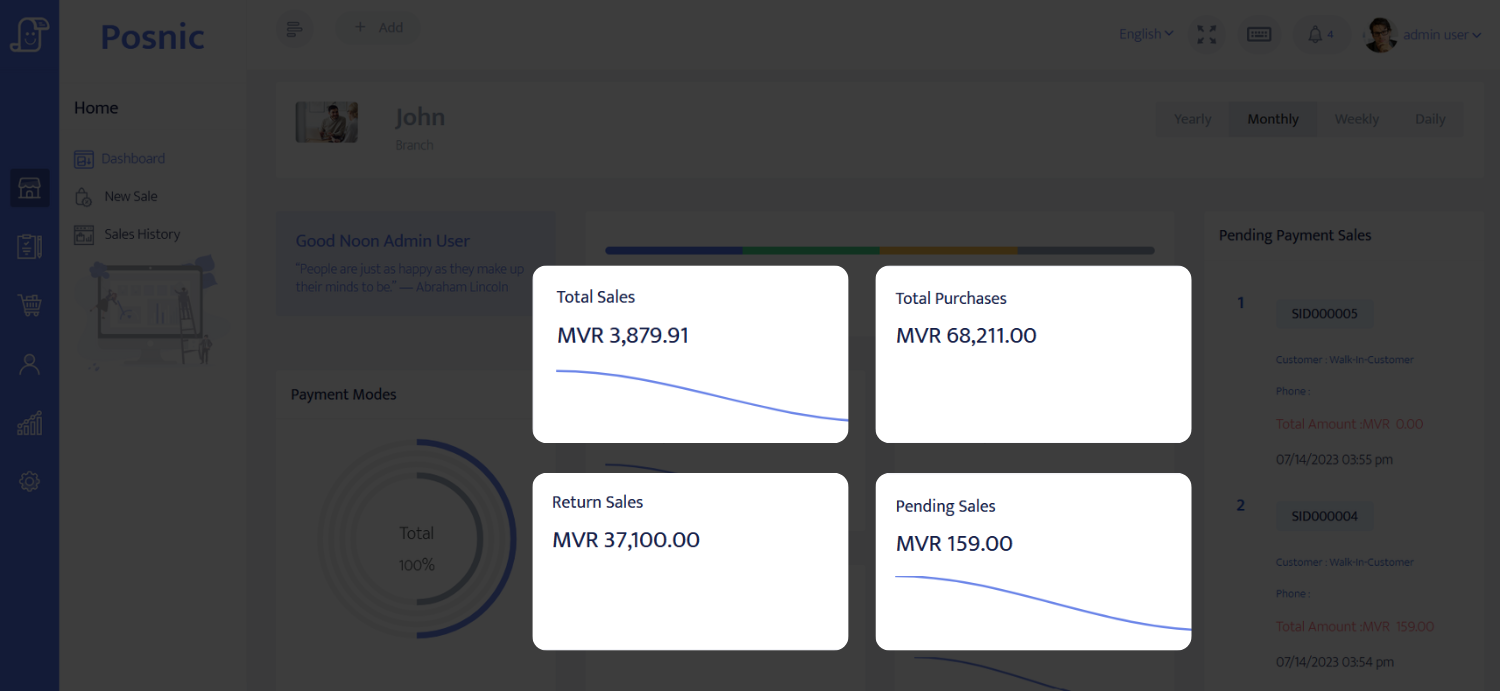
Posnic dashboard showing sales, purchases, returns and pending sales
Dashboard and reportsOwner view of sales, purchases, return sales and pending sales.
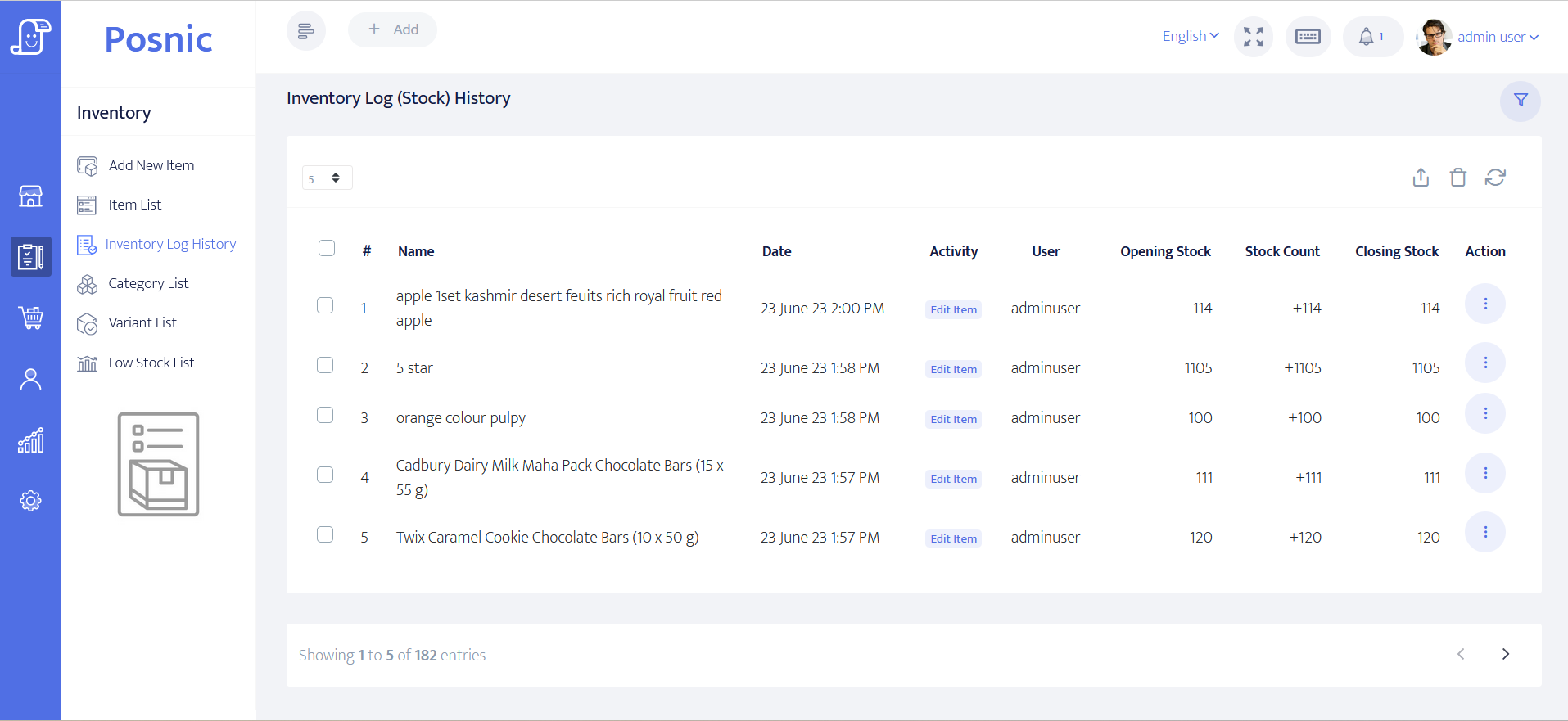
Posnic inventory stock movement history
Inventory movementOpening stock, stock count, closing stock and activity history.
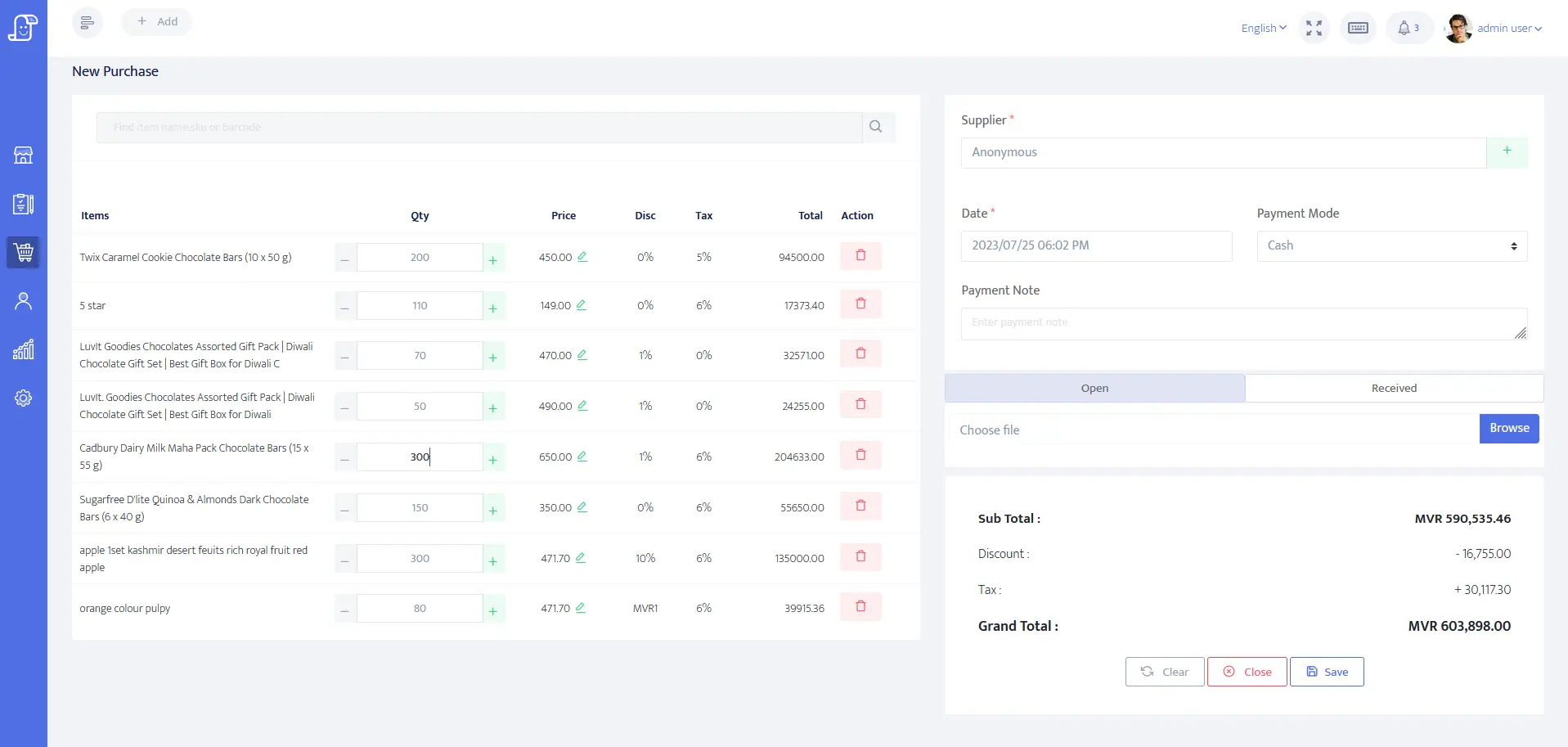
Posnic purchase entry screen
Purchase receivingSupplier purchases, received items and cost tracking.
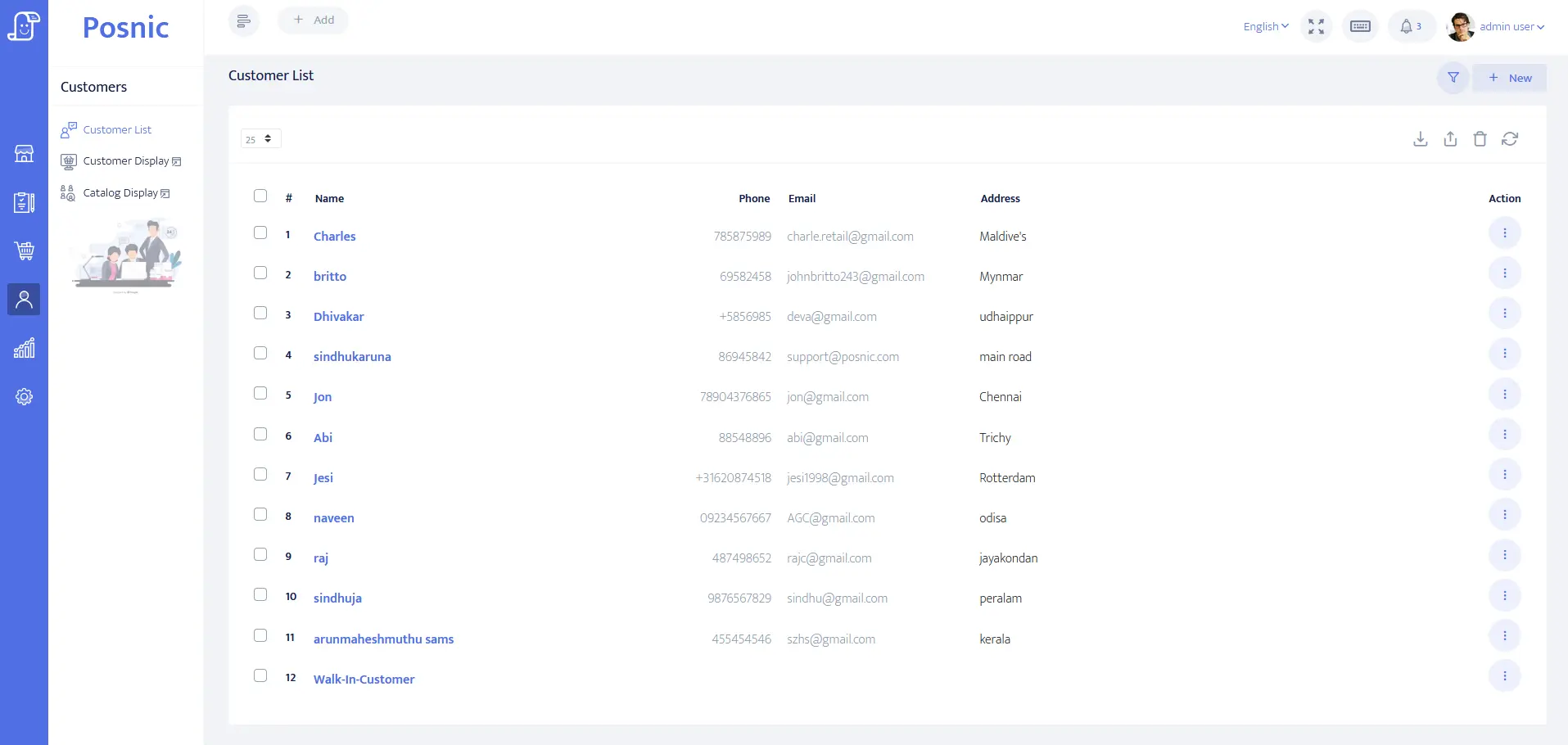
Posnic customer list screen
Customers and creditCustomer records for credit, follow-up and repeat selling.
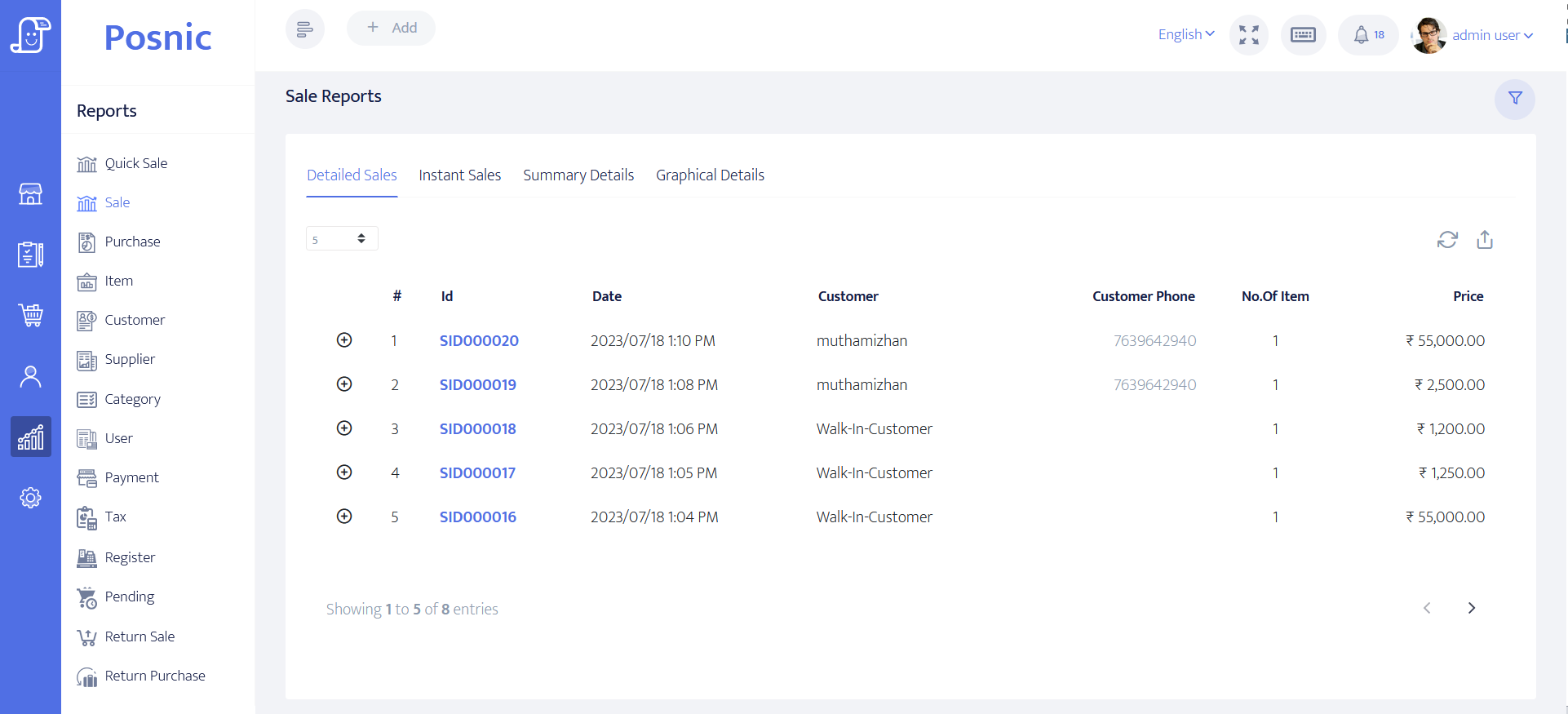
Posnic sales report screen
Sales reportsDaily and period reports for owner review and accounting.
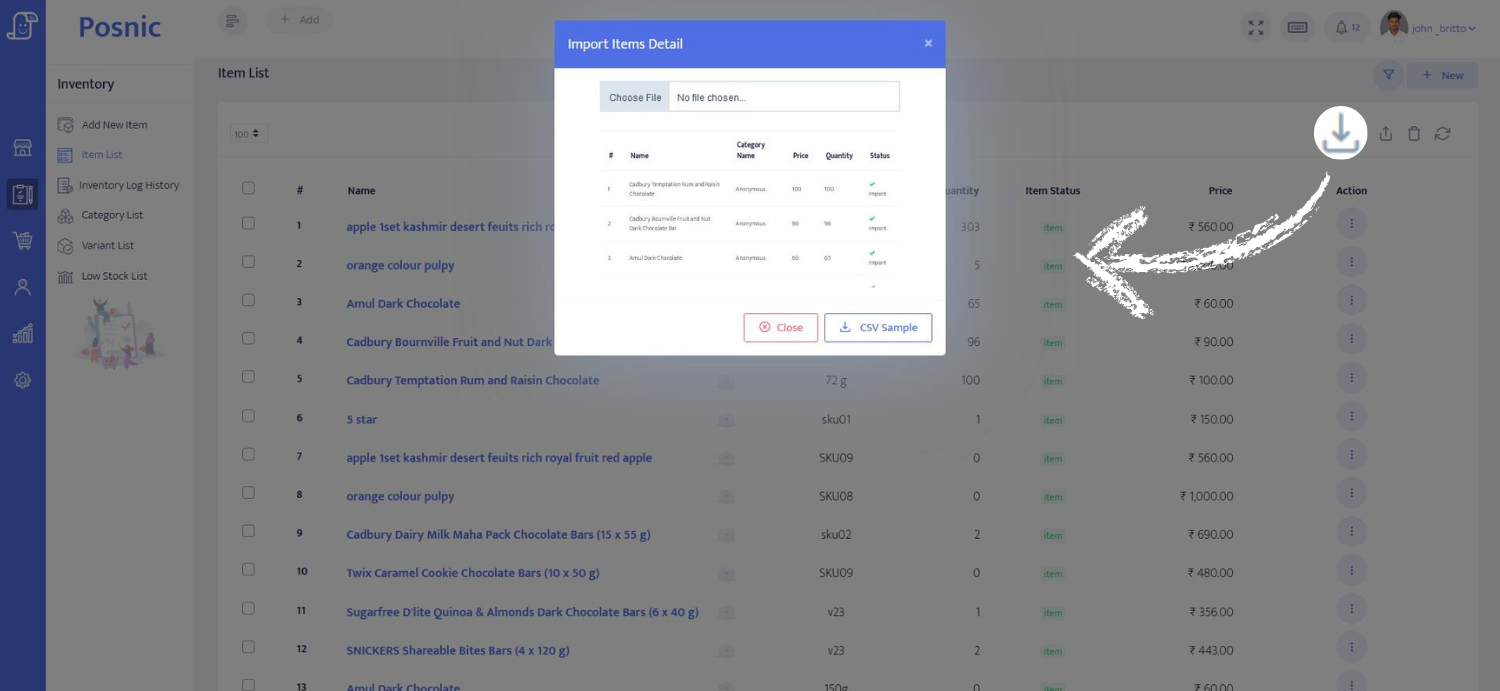
Posnic import screen
Bulk importBring products from Excel or CSV instead of typing everything again.

What this proves

Posnic is original software

The site now shows real application screens, not only marketing cards or keyword pages.

Daily shop problems are covered

Billing alone is not enough. Screens show reports, inventory, customers, purchase and import workflows.

A buyer can inspect before installing

Screenshots, source code, docs and videos reduce fear before a shop owner downloads or asks for help.

Next steps